Turn Google Maps, Bing Maps & Apple Maps into your lead list.
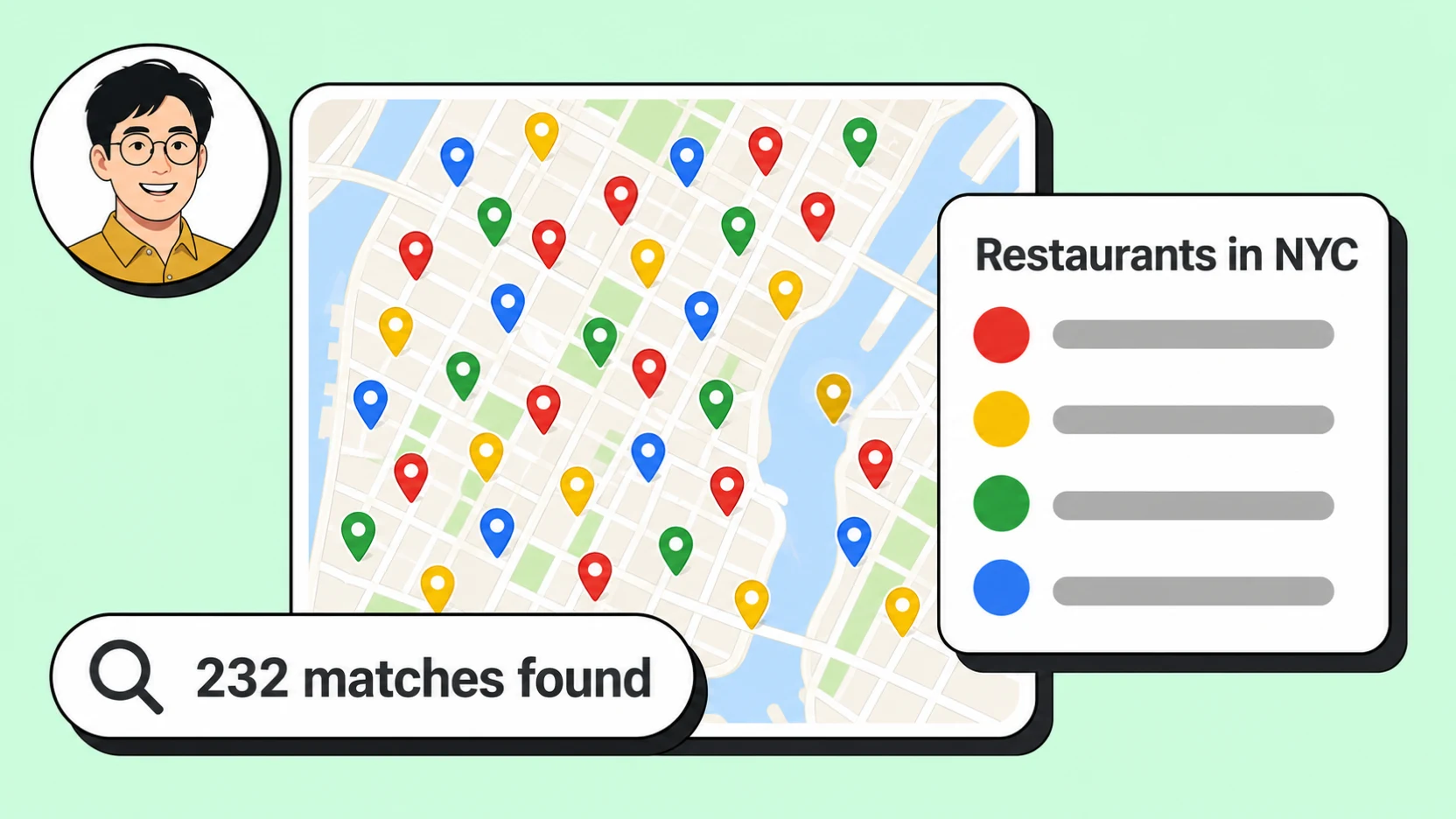
dentists in Austin

only the ones I can get an email from
Filter applied
344 of 390
same thing in Miami
Filter applied
299 of 433
Extract local businesses from Google Maps, Apple Maps and Bing Maps — every email we find is verified before it reaches you: deliverable, role-based, catch-all, dead. You see all of it, and you pay only for the results that match what you asked for. The dead ends are on us.
Status
- pending
- running
- completed
Cancellable while running
Webhook delivered
Cloud search
Run on the cloud
A search does not run on your machine. Start it and close the tab — MapLeads works through the area on its own infrastructure, with no proxies to rotate and no browser to keep open. Change your mind and you can cancel it mid-run.
When it finishes, a webhook fires at your endpoint so whatever you built next can pick the results up without polling.
Business database
Filter data with precision
The database is already there — 12,289,127 US businesses, no search to run and no wait. Filter by category, city, rating, and whether a business has a phone, a website, or an email, and the matching count updates as you go.
Contact details stay locked until you take them, but you can still filter on whether they exist. That is the point: you can see exactly what a list is worth before you spend anything on it.
Filters
- Category
- Dentists
- Location
- Austin, TX
- Website
- none
Preview
- Bright Smile DentalLocked
- Northside Family DentistryLocked
- Capital Dental GroupLocked
Recently unlocked
- Bright Smile Dentaldeliverable
- Northside Family Dentistryrole
- Capital Dental Groupcatch_all
Every address carries its verdict. None are dropped.
Export
Export
Download unlimited
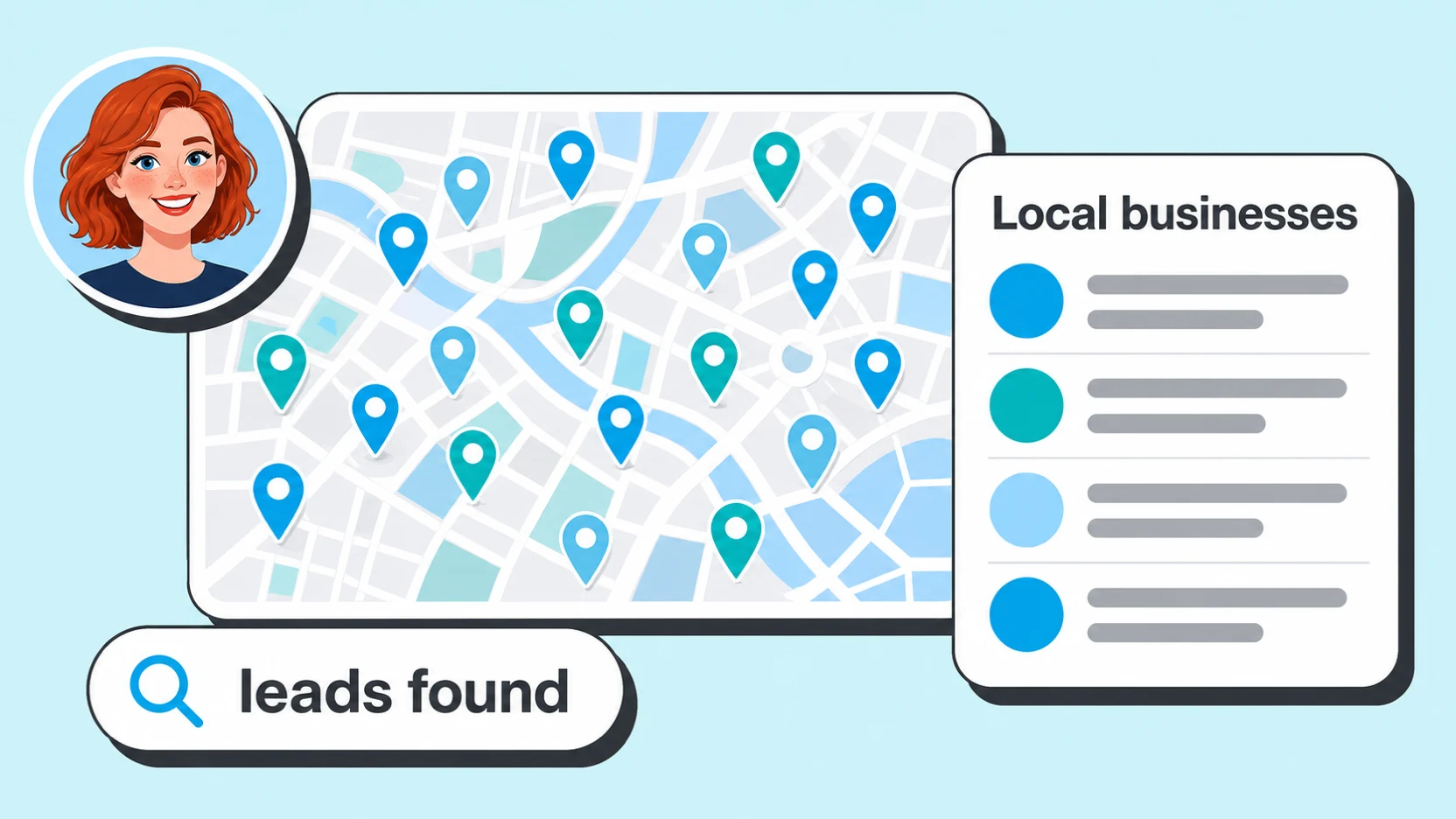
Every lead you have ever unlocked or pulled from a search lives in one table you can filter, sort, and export as CSV, Excel, or JSON — no re-running anything and no per-export charge.
Businesses move, close, and change numbers. When our copy of a business you own picks up newer details, the lead is flagged so you can pull the update in — you are not stuck with whatever the record looked like the day you bought it.
Every email we find is checked before it reaches you — deliverable, role-based, catch-all, dead — and you see the verdict on each one. We delete none of them: info@ is not garbage, and for a lot of small local businesses it is the only door there is. Whether to write to it is your call.
Everything here is in the REST API too — list, filter and export leads, start searches, register webhooks. 24 operations, and you manage the keys yourself.
Pricing
Pricing that scales
Every plan is a complete scraper and extractor across Google Maps, Apple Maps, and Bing Maps — verified emails and social profiles included, exported to CSV, Excel, or JSON. You get the most data per credit, with the lowest cost per verified lead.
Lite
- 15,000 leads / month
- Email and social enrichment
- API keys
- Customer portal
- Webhook endpoints
- 30-day activity history
Pro
- 40,000 leads / month
- Everything in Lite
- Higher rate limits
- More concurrent work
- Billing invoice history
- 60-day activity history
Max
- 100,000 leads / month
- Everything in Pro
- Highest rate limits
- Highest concurrency
- Priority support placeholder
- 90-day activity history
Plans are billed when you subscribe — cancel any time. See the full pricing page for annual billing and plan details.
Most teams start with one city and one business category, confirm the export quality against their own CRM, then widen the search to more markets or add a second and third maps source once the first list is working. There's nothing to install and no proxy infrastructure to manage — every job runs on MapLeads' own infrastructure, so scaling up is a matter of running a bigger search, not standing up more servers.
FAQ
Questions people ask first
“Customer may temporarily cache latitude (lat) and longitude (lng) values from the Geocoding API for up to 30 consecutive calendar days, after which Customer must delete the cached latitude and longitude values.”
That clause is the whole reason this product exists. A list built on the official API is rented — it expires on a schedule Google sets. MapLeads runs its own extraction, so what you export is a file you keep.
Is it legal to scrape Google Maps?
MapLeads collects business listing information that is already published in public — company name, category, address, phone, website, rating and review count — plus the contact details a business publishes on its own site. What you may then do with that list is a separate question, and it depends on where you and the recipient sit: the EU's GDPR treats a named person at a company as personal data, and commercial email in the US has to meet the CAN-SPAM Act's rules on identification and opt-out. Data being public does not waive either one.
Why not just use the Google Places API?
Because the official API licenses the data for display, not for keeping. Google's terms let you store a place ID indefinitely, but the rest of the content — latitude and longitude included — may only be cached for 30 consecutive calendar days, after which you have to delete it. A prospect list that expires every month is not a prospect list. MapLeads maintains its own dataset instead, so the export is yours to keep, re-filter and re-download.
Source: Google Maps Platform Service Specific Terms · Places API — caching policy
Do Google Maps, Apple Maps and Bing Maps list the same businesses?
No. Each is a separate index fed by its own submissions — Google Business Profile, Apple Business Connect and Bing Places for Business are three different front doors, and a business that claimed one may never have claimed the others. That is why MapLeads keeps a business found in two sources as two rows with two identifiers rather than collapsing them: a row that exists in one index and not another is coverage you would otherwise never see.
Source: Google Business Profile · Apple Business Connect · Bing Places for Business
Where do the email addresses come from?
Not from the map — no maps source shows an email address. MapLeads visits the business's own website and collects what is published there, then checks every address before it reaches you and labels it deliverable, role-based, catch-all or dead. None are dropped: info@ is not garbage, and for a lot of small local businesses it is the only door there is.
What does one credit actually buy?
One lead. Browsing the 12-million-row business database is free — filter by category, city, rating, or whether a phone, website or email exists, and watch the matching count update — and a credit is spent only when you unlock a row and take its contact details. A cloud search is priced the same way, per lead it returns. Exports are not metered: every lead you own can be downloaded as CSV, Excel or JSON as many times as you want.
Can one search cover a whole country?
Yes. There is no cap on how many results a search may return. A country-wide run takes longer than a single neighbourhood, but it produces the same shaped file, and it runs on MapLeads' infrastructure rather than your machine — start it, close the tab, and a webhook fires when it is done.
Written and maintained by the MapLeads team · Last reviewed