Turn Apple Maps into your lead list.
Extract business leads from Apple Maps — names, phones, emails, websites, social profiles and reviews. Fill the gaps your Google list leaves behind, in any of 195 countries.
Apple Maps scraper
The half of the market that never opens Google Maps
Apple Maps is the default on every iPhone, which means a large share of local businesses maintain a presence there — and some maintain it better there than anywhere else. That listing is a lead source almost nobody is pulling from.
Coverage
A second index with different gaps
Apple builds its place data from its own providers and from businesses that register directly through Apple Business Connect. The result overlaps with Google heavily in the middle of the market and diverges at the edges — newer businesses, recently relocated ones, and categories where the owner keeps one listing current and lets the others rot.
Running Apple Maps as a second pass over a market you have already scraped is the cheapest way to find out how much your primary list was missing, and it costs the same credits as the first pass.
Verification
Cross-check a list before you send it
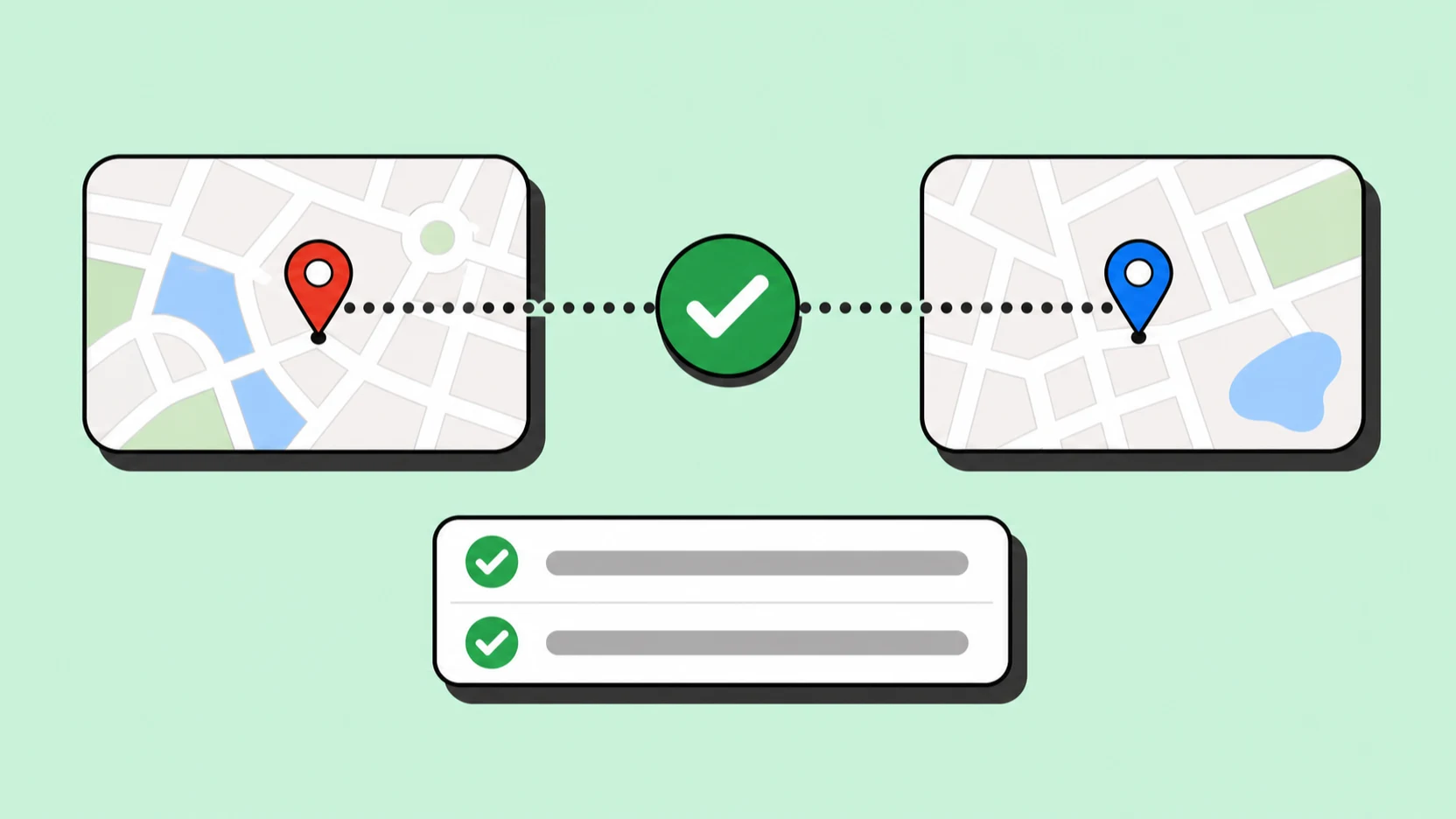
A bounce or a disconnected number costs more than a missing lead — it burns sender reputation and rep time. When a business appears in both Apple Maps and Google Maps with a matching phone and domain, that is a reasonable signal the record is live.
When it appears in one and not the other, that is worth a look before it goes into a sequence. Because both exports carry the same columns, this check is a spreadsheet join rather than a data engineering task.
Enrichment
Emails from the business's own site
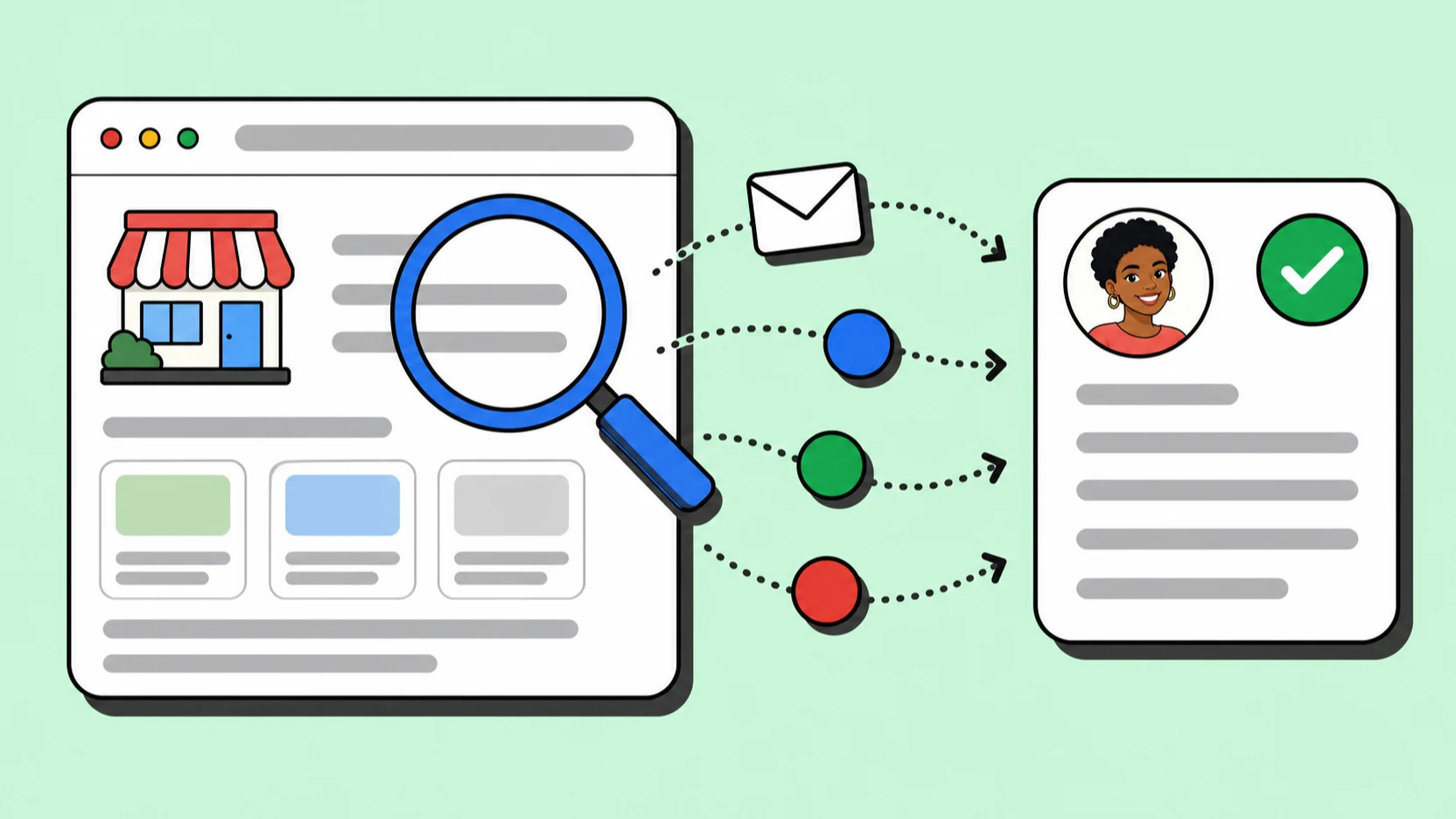
Apple Maps lists a website but never an email address. MapLeads follows the linked site and extracts the contact addresses and social profiles published there, attaching them to the same row as the listing data.
That means an Apple-sourced list arrives outreach-ready, not as a set of names you still have to research one at a time.
Targeting
The same search form you already use
Pick a category from the same 4,000+ business types and scope it to a neighbourhood, city, metro, region, or country. Switching to Apple Maps changes the source, not the workflow — there is no second interface to learn.
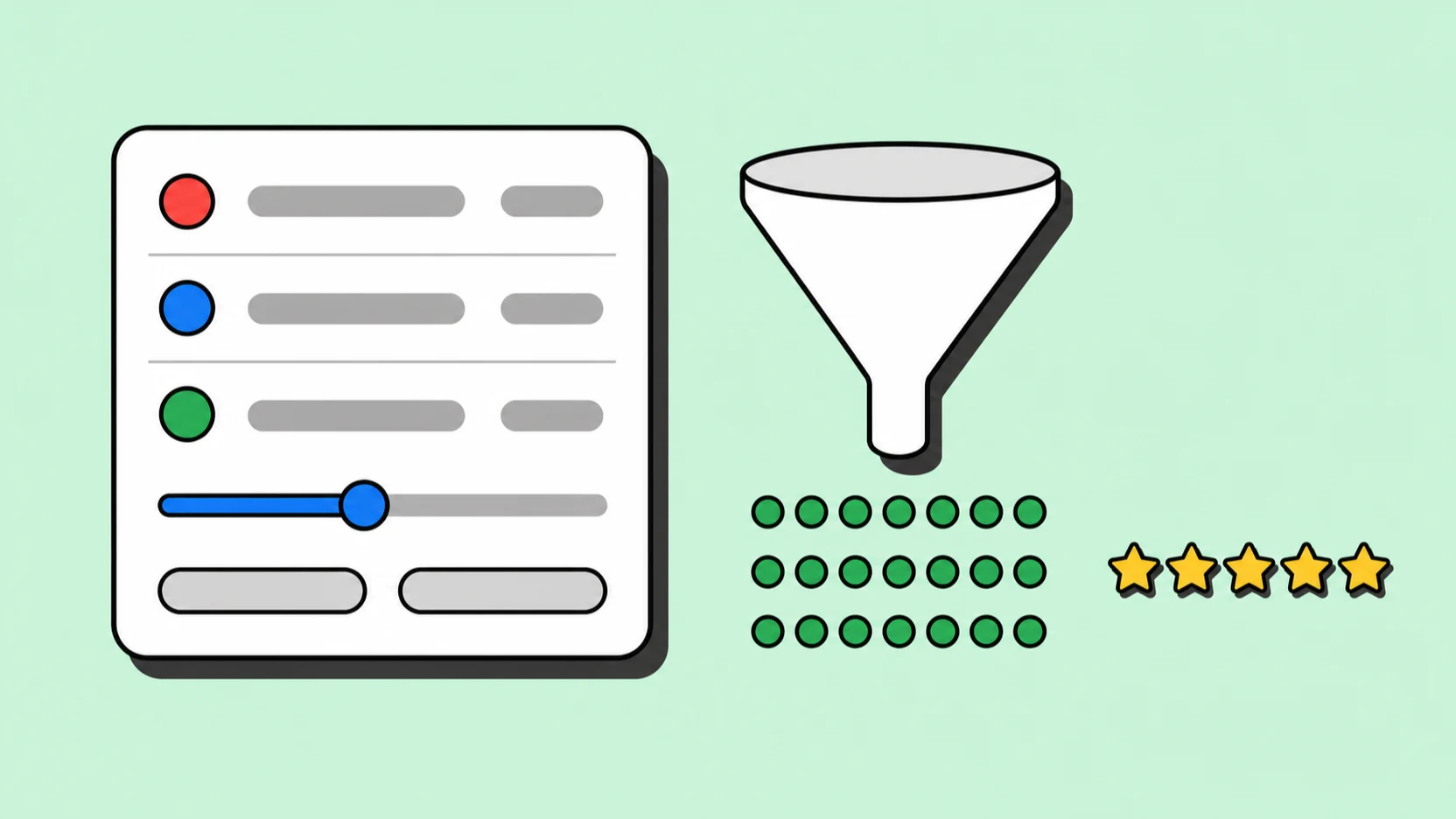
Pre-export filters work identically too: minimum rating, has-email, has-phone, has-website, has-socials. You decide what a usable lead looks like once and apply it across every source.
Export & automation
CSV, Excel, JSON — and the same credits
Apple Maps jobs export to the same three formats with the same column layout, and draw on the same credit balance as Google and Bing. Nothing about adding a second source changes your plan or your CRM import template.
The REST API accepts the maps source as a parameter and webhooks fire on job completion, so a scheduled two-source refresh is a cron entry rather than a project.

Apple Maps scraper FAQ
“Apple today introduced Apple Business Connect, a free tool that allows businesses of all sizes to claim their location place cards and customize the way key information appears to more than a billion Apple users across Apple Maps, Messages, Wallet, Siri, and other apps.”
A place card exists in Apple Maps because its owner claimed it there — through Apple's own front door, not inherited from anyone else's index. That is why a business can be complete on one map and thin on another, and why running the same query against Apple Maps returns coverage instead of duplicates.
Why scrape Apple Maps at all?
Apple Maps is the default map on every iPhone, so a large share of businesses keep that listing current — sometimes more current than their Google one. It is a second, independently maintained index of the same market, and almost nobody in lead generation is pulling from it.
How does Apple Maps data differ from Google Maps data?
Core fields — name, address, phone, website, category — are comparable. Review volume is lower, since Apple aggregates ratings differently and fewer people leave reviews there. Coverage diverges most for recently opened or relocated businesses, which is exactly where a second source earns its keep.
Should I use Apple Maps as my primary source?
For most markets, no — start with Google Maps for volume, then run Apple Maps over the same query to fill gaps and verify. In a few consumer categories with heavy iPhone-user overlap, Apple is worth running first; the honest way to find out is to run both once for one city and compare.
Do Apple Maps leads include email addresses?
Apple Maps itself does not publish emails. MapLeads finds them on each business's linked website during the same job, the same way it does for the other two sources. Businesses with no website usually will not have an email, so filter for has-email before exporting if that matters.
Does this cost extra on top of Google Maps scraping?
No. All three sources share one credit balance and one plan. Running the same query twice uses credits twice, but there is no per-source fee or add-on.
Is scraping Apple Maps legal?
MapLeads collects publicly listed business information — names, addresses, phone numbers, and business website links — not personal data. Your outreach is still subject to GDPR, CAN-SPAM, and local marketing regulations.
Written and maintained by the MapLeads team · Last reviewed