Turn Google Maps into your lead list.
Extract business leads from Google Maps — names, phones, emails, websites, social profiles and reviews. Target any niche, in any of 195 countries. No code required.
Google Maps scraper
The largest local index, exported as a working list
Google Maps knows almost every business that trades from a physical address. The problem has never been finding them — it's getting them out in a shape you can actually send a campaign to.
Coverage
Every result, not the first screen
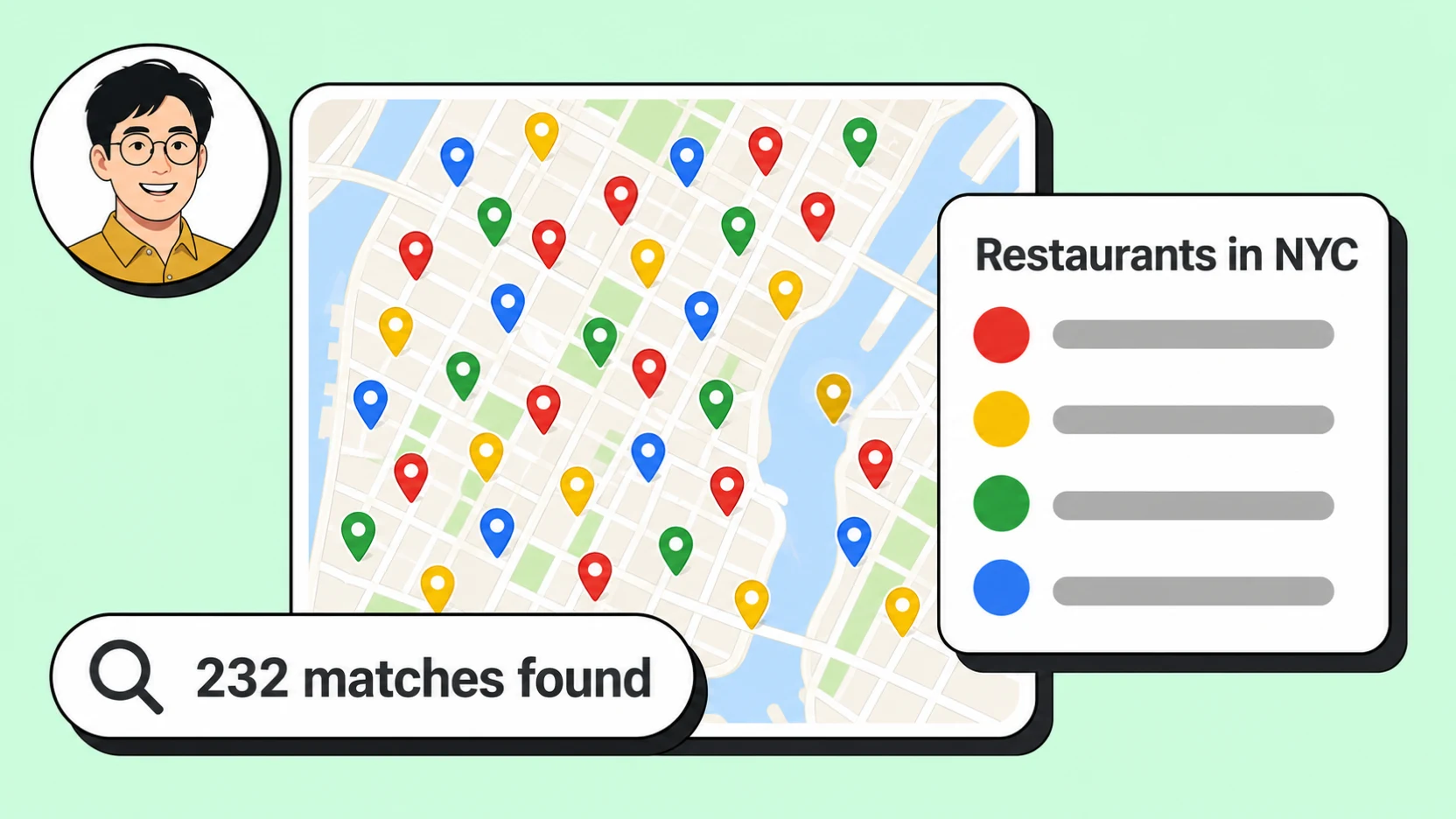
A Google Maps search in the browser hands you a scrolling panel that quietly stops paging long before the market runs out. MapLeads keeps paging that same query until the listings are exhausted, so a search for dentists in a metro area returns the whole market rather than the twenty places Google decided to show you first.
There is no artificial cap on result volume. Run one neighbourhood or an entire country — the job takes longer, but the file it produces is the same shape either way, which matters when you are building the list once and reusing it for months.
Enrichment
The emails Google Maps never shows you
A Google Maps listing gives you a name, an address, a phone number, and — if the owner bothered — a website. It never gives you an email address, which is the one field most outreach actually runs on.
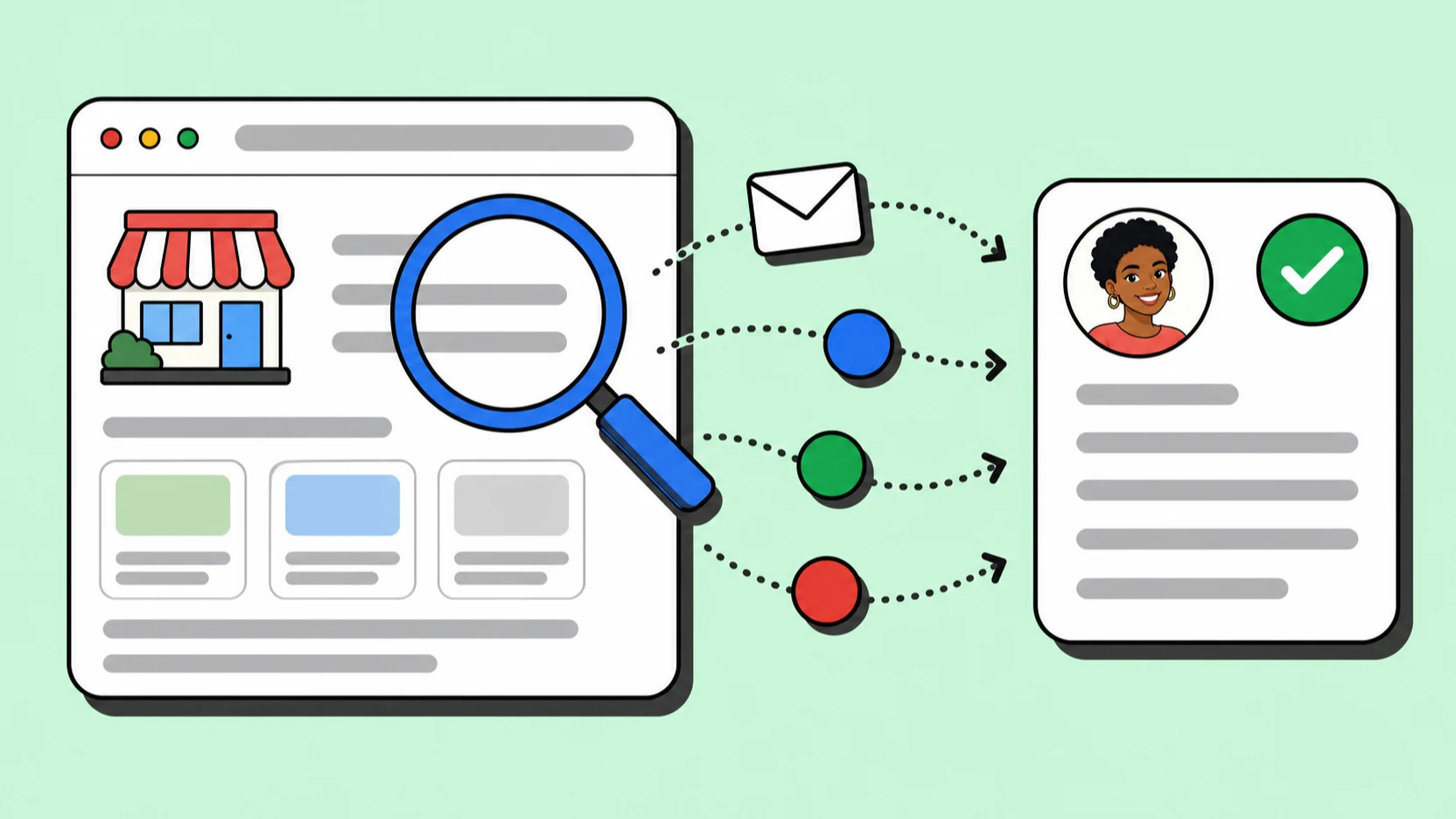
MapLeads visits each business's own website and pulls the contact addresses and social profiles published there, then attaches them to the same row as the maps data. You are not exporting from a scraper and then paying a second enrichment tool to fill in the gaps; it happens inside the same job.
Targeting
Filter to a campaign list before you export
Pick from 4,000+ Google Maps business categories and scope the search from a single neighbourhood up to a whole country. Dentists in Houston, roofing contractors across Texas, independent restaurants in three metros — the query is the same shape every time.
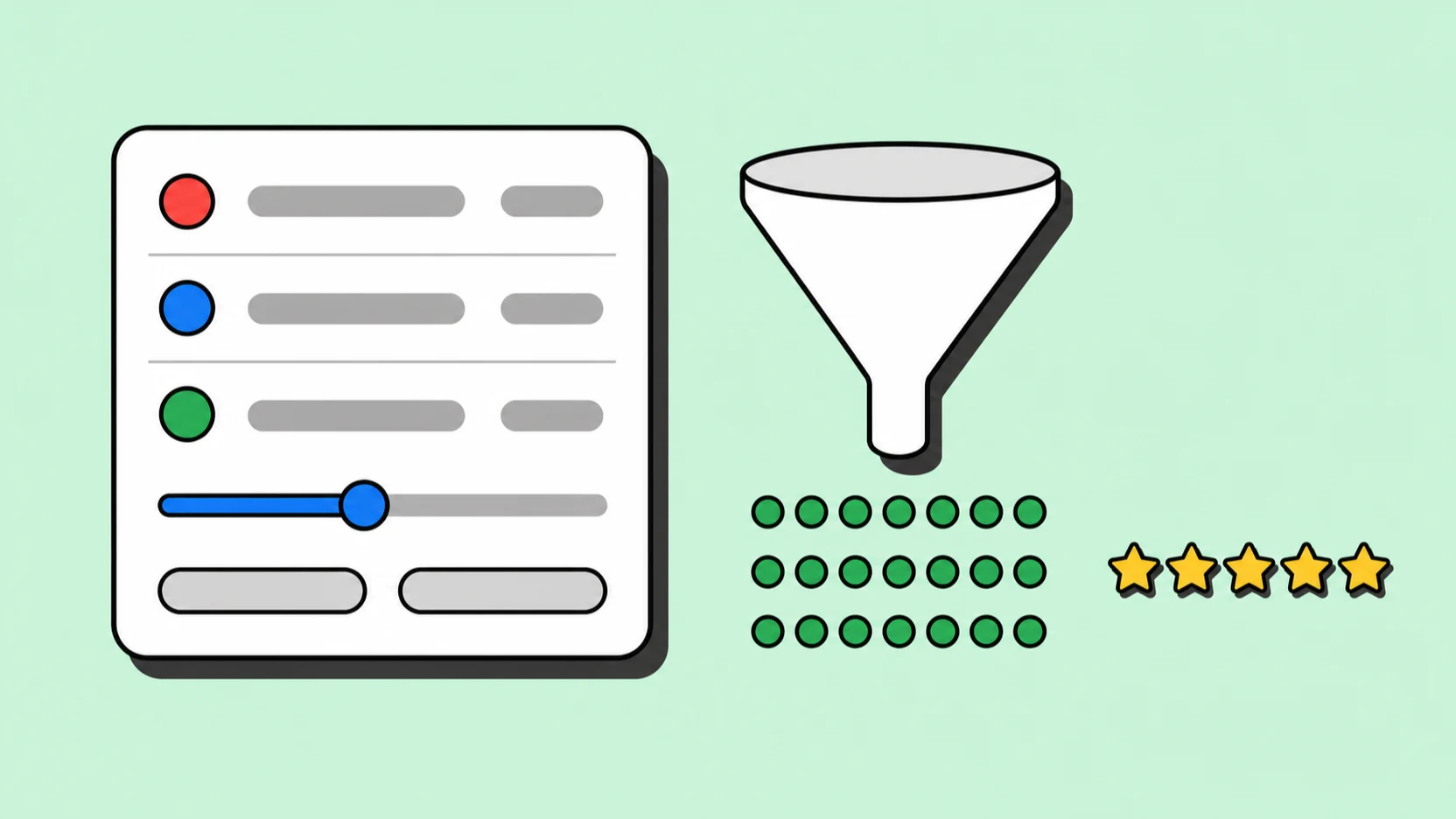
Then filter on what makes a lead worth contacting: minimum rating, review count, whether the record has an email, a phone, a website, or social profiles. What downloads is closer to a campaign list than a raw dump, which is the difference between exporting data and exporting work you can start on.
Cross-check
Google first, then confirm against a second index
Google is the right default for almost every local market, but no single index is complete. Businesses close, move, rebrand, or simply never get updated — and a stale row costs you a bounce or a wasted call.
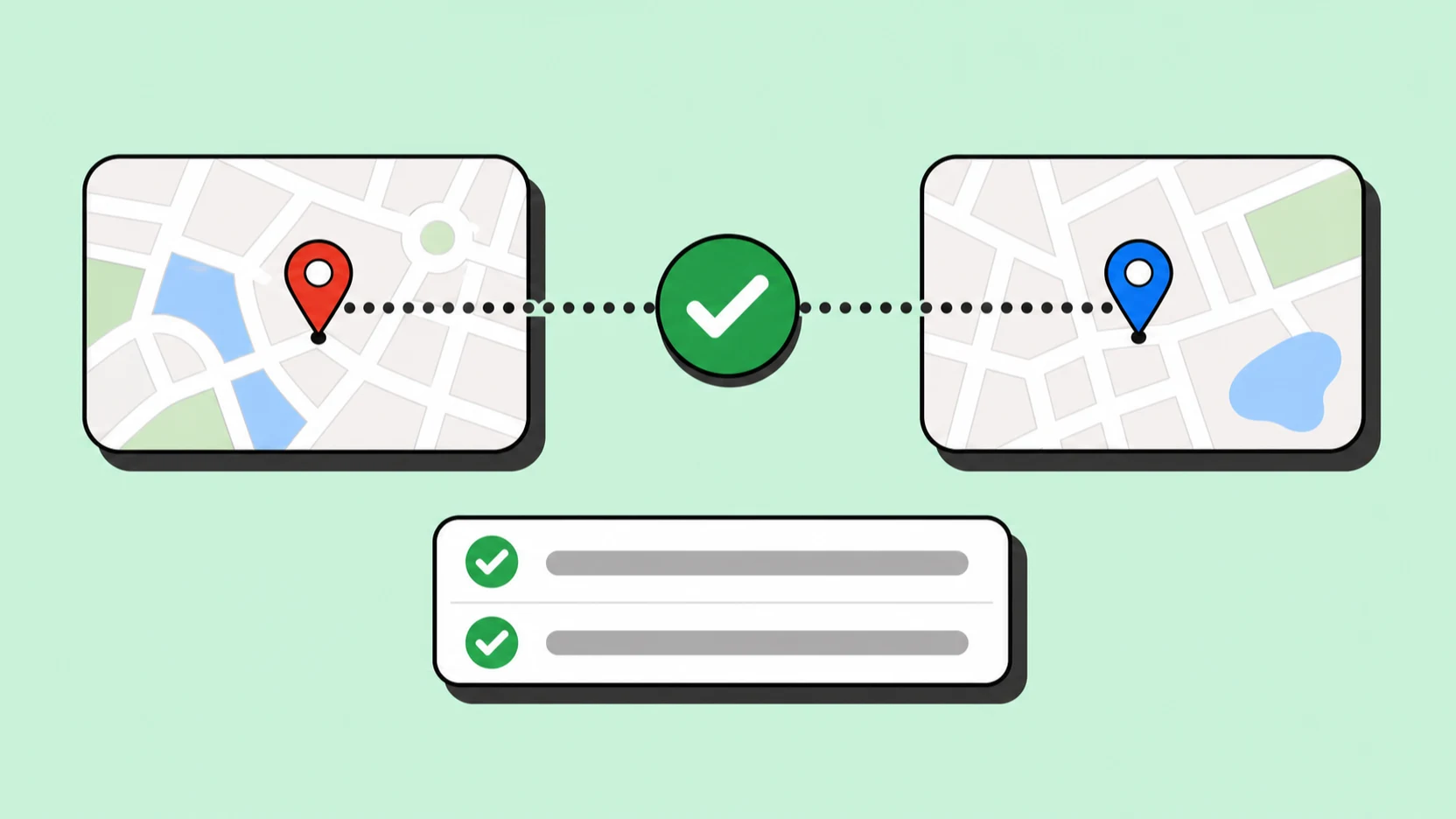
Because MapLeads runs Apple Maps and Bing Maps through the same search form and the same export columns, you can re-run a Google list against a second source and de-duplicate before delivery. Same credits, same file format, no separate tool.
Export & automation
CSV, Excel, JSON, and a REST API
Download the finished job as CSV for Instantly and most sequencers, Excel for handing to a teammate, or JSON when you are wiring it into your own pipeline. Columns are structured for CRM import, so nobody spends an afternoon re-parsing a text blob.
If the list needs refreshing on a schedule, the typed REST API starts jobs, polls status, and pulls results, and webhooks fire when a job finishes — no dashboard babysitting required.

Google Maps scraper FAQ
“Text Search (New) returns a maximum of 60 results across all pages, although this limit is subject to change.”
That ceiling is per search, and it is the one every Google Maps export quietly inherits. MapLeads keeps paging the same query on its own infrastructure until the listings for that category and area are exhausted, so what downloads is the market rather than the first three pages of it.
Is scraping Google Maps legal?
MapLeads collects business listing information that Google Maps publishes publicly — company names, addresses, phone numbers, and links to business websites. It does not collect personal profiles or private data. You are still responsible for how you contact those businesses, which means honouring GDPR, CAN-SPAM, and local marketing rules in the market you are sending to.
How many results can I extract from one search?
There is no per-search cap. MapLeads pages through the query until the listings run out, whether that is 40 businesses in a small town or tens of thousands across a country. Volume is governed by your plan's credits, not by an artificial result limit.
Where do the email addresses come from?
Google Maps does not publish email addresses. MapLeads visits the website linked on each listing and extracts the contact addresses and social profiles published there. Businesses without a website generally will not have an email, which is why you can filter for has-email before exporting.
Do I need to write code or install anything?
No. Pick a category and a location in the browser, run the search, and download the file. A REST API and SDK exist if you want to automate the same flow, but nothing about the product requires them.
How current is the data?
Each job runs live against Google Maps at the moment you start it, so results reflect the index that day rather than a cached dump. For lists you reuse over time, re-run the search periodically and compare on Place ID.
Can I search outside the United States?
Yes — 195 countries are supported, and the search form works the same way in each. Field coverage varies by market because it depends on what local businesses publish, but the export schema does not change.
Written and maintained by the MapLeads team · Last reviewed