10 Best B2B Email Finder Tools for 2026
Compare 10 b2b email finder tools for discovery, verification, bulk workflows, integrations, accuracy, and better deliverability in 2026.

Your contact list can be large and still be nearly useless. Addresses go stale, generic inboxes get mixed with decision-makers, exports arrive with inconsistent columns, and a list that looked ready for outreach still needs verification before anyone sends a message. B2B contact data loses about 2.1% of its value per month, compounding to roughly 22.5% annually, while email addresses can decay at 23% to 30% per year as people change jobs or domains expire, according to industry data on B2B contact accuracy.
The right B2B email finder is only one part of the workflow. You need a way to discover relevant companies, identify people, enrich records, verify addresses, remove duplicates, separate role-based and catch-all contacts, and apply the right compliance checks. These tools aren't interchangeable. Map-based discovery finds businesses that database-first platforms may miss, while person-level databases and sales-engagement suites are better suited to finding named contacts and managing outreach.
This comparison ranks each resource by the job it performs, not by the longest feature list. It also explains how to turn found contacts into a sending-ready list, with practical email verification and compliance tips.
1. MapLeads
MapLeads is the strongest choice when your workflow begins with business discovery by location, category, or map presence rather than with an existing list of names. Its cloud platform turns searches across Google Maps, Apple Maps, and Bing Maps into CRM-ready records containing business names, addresses, coordinates, websites, phone numbers, social profiles, ratings, reviews, and standardized metadata. It also scans business websites for available email contacts and includes verified email enrichment through BillionVerify.
That distinction matters for local markets, territory planning, recruiting, agencies, and any campaign built around a defined geographic footprint. A database-first tool may help you locate a marketing director at a known company. MapLeads helps you find the companies themselves, including businesses that appear in only one map index.
Where MapLeads fits best
MapLeads runs managed cloud jobs on its own infrastructure. You can start a job, close the browser tab, and receive the finished output through a webhook. That removes the proxy rotation, CAPTCHA handling, local scripts, and server maintenance that often make conventional scraping workflows fragile.
Its tri-source process combines results, removes duplicates, and keeps columns consistent across Google, Apple, and Bing. You can browse, filter, and preview counts before accessing contact details. One credit represents one lead, and failed or undersupplied searches receive automatic credit refunds. Exports are available in CSV, Excel, and JSON, with unlimited exports for leads you own.
Practical rule: Use MapLeads to build the account universe, then use person-level tools when you need a named buyer inside each account.
The platform states that its coverage includes 195 countries, more than 4,000 categories, and a database of more than 12 million U.S. businesses on its site. Monthly plans include Lite at $50 for 15,000 leads, Pro at $100 for 40,000 leads, and Max at $200 for 100,000 leads, with annual billing offering about 20% off, as described on the MapLeads email lists page. Each plan includes verified email enrichment, API access, webhook endpoints, and a 3-day trial that requires a plan and payment method.
MapLeads collects public business data, so buyers remain responsible for lawful outreach under GDPR, CAN-SPAM, and applicable local rules. A verified label lowers the risk of obvious invalid addresses, but it doesn't guarantee inbox placement. Role-based addresses, catch-all domains, and market-specific data gaps still need separate handling.
Visit MapLeads when your prospecting starts with places, business categories, or territory coverage.
2. Hunter.io
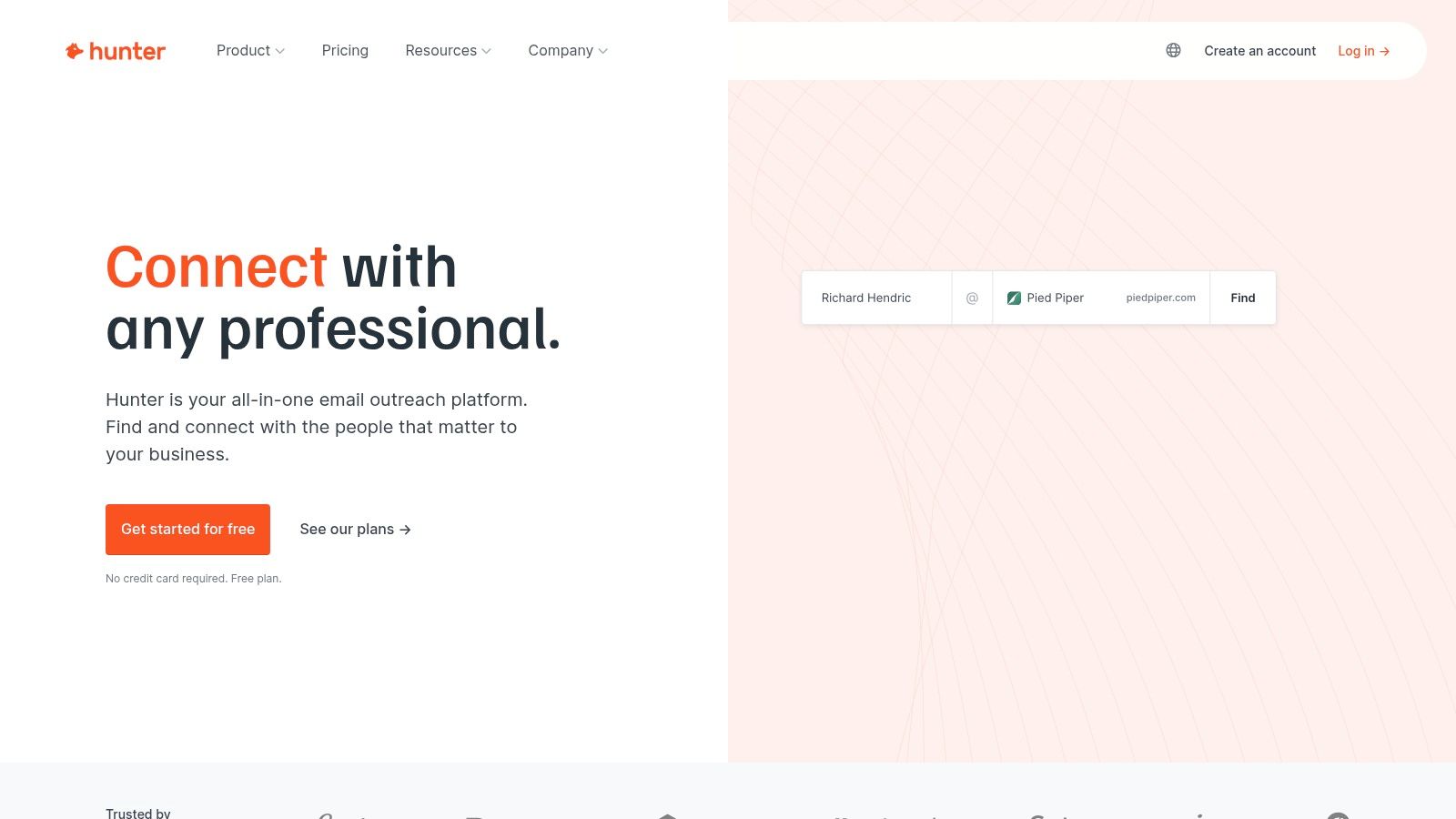
Hunter is a focused option for teams that already know the company domain and need to find or verify work email addresses. Its Domain Search surfaces known contacts and common email patterns associated with a company, while Email Finder works from a person's name and organization. Bulk finder and verifier workflows make it practical for enriching a list collected from maps, directories, event pages, or CRM exports.
The product is easy to understand, which helps teams avoid the credit confusion found in larger sales platforms. Hunter states that finding one email uses one credit and verification uses half a credit. Its Chrome extension, Google Sheets integration, and API also make it useful when researchers move between a prospect's website and an operating spreadsheet.
The trade-off
Hunter works best as a domain-first finder and verification layer. It isn't the strongest option for discovering small local businesses or niche companies that have little representation in major contact databases. Pair it with a map or directory source when your list starts with locations rather than domains.
Its sequencing capabilities are also lighter than those of dedicated sales-engagement suites. That can be an advantage if you already have a sending platform and want Hunter to stay focused on data. It can be a limitation if you want one system to discover contacts, build sequences, manage tasks, and report on pipeline activity.
Use Hunter when your researchers need a simple workflow for finding a person at a known company, checking a domain's email pattern, or validating bulk records before they enter an outreach system. For a broader comparison of its workflow against a map-based discovery process, see the Hunter.io alternative guide.
Hunter.io is a sensible fit for focused lookups, spreadsheet-based enrichment, and teams that value transparent credit rules over a large all-in-one platform.
3. Apollo.io
Apollo combines a B2B contact database, company filters, email and phone enrichment, sequencing, and sales execution in one environment. It's built for teams that don't want to move every prospect between a database, an enrichment tool, and a separate engagement platform.
Its advanced filters help users build audiences by role, industry, company characteristics, and other firmographic signals. Waterfall enrichment can search across available sources when the first result is incomplete, while the Chrome extension supports prospecting during normal web research. Website visitor identification adds another route for turning account activity into potential contacts.
Best use and main limitation
Apollo is most useful when prospecting and outreach belong in the same operating system. An SDR team can identify a segment, save prospects, enrich records, enroll contacts in sequences, and manage follow-up without stitching together several products. That breadth is a real operational benefit for small and mid-market teams.
The cost of that breadth is complexity. Credit limits, record limits, export credits, and plan rules can be difficult to interpret, especially when a team uses the platform for both list building and active engagement. Data quality also varies by industry, geography, and persona. A contact that looks complete in Apollo may still require independent verification before sending.
Apollo is a prospecting hub first. Treat its returned emails as candidates until your verification workflow clears them for outreach.
Apollo is a strong starting point for account and contact discovery, but teams working with unusual job titles or local businesses may need a second finder. The Apollo alternatives overview is useful when you're deciding whether database breadth or location-based discovery matters more.
Visit Apollo.io if you want data, sequencing, and sales execution in one product rather than a specialized email finder.
4. ZoomInfo SalesOS
ZoomInfo SalesOS is designed for enterprise go-to-market teams that need extensive company intelligence, org charts, mobile numbers, intent signals, and integrations with a larger revenue stack. Its strongest fit is a complex account-based motion where several people influence a buying decision and sales, marketing, and talent teams share data requirements.
The platform's depth is particularly relevant for North American account research. Users can map departments, identify buying committees, enrich CRM records, and connect intent information to account prioritization. Its APIs and integrations are suited to organizations that already operate a mature CRM, marketing automation, and reporting environment.
Where the economics change
ZoomInfo isn't a lightweight lookup tool. Pricing is quote-based, seat minimums can raise the total commitment, and the return usually makes more sense when several teams use the data. A small team that only needs occasional email lookups may pay for capabilities it won't use.
Data depth also doesn't remove the need for verification. People change roles, companies reorganize, and domains accept mail differently. Any address exported from SalesOS should still pass the buyer's own suppression, verification, and CRM deduplication rules before it enters a campaign.
The ZoomInfo comparison helps clarify the difference between enterprise account intelligence and a leaner extraction workflow. MapLeads is better when the starting point is a category and geography. ZoomInfo is better when the starting point is a strategic account universe and a multi-person buying committee.
ZoomInfo SalesOS suits larger organizations that need broad integrations, organizational mapping, and enterprise governance more than a simple browser lookup.
5. Lusha
Lusha focuses on fast contact reveals through a browser extension and a credit-based B2B data platform. SDRs can open a company or professional profile, request a work email or phone number, and move the result into a CRM workflow without interrupting research.
Its credit model is straightforward. The product notes that one credit is used for a verified email reveal, while a phone reveal uses 10 credits. That difference makes the platform more attractive for email-led prospecting than for campaigns that depend heavily on direct dials.
A good browser-first choice
Lusha works well when a rep is researching a short list of named prospects and wants immediate contact reveals. Monthly free credits provide a way to test the workflow before committing, and CRM integrations support basic enrichment after the reveal.
It isn't the best fit for every bulk operation. Phone data consumes credits quickly, while governance and advanced capabilities generally require higher tiers. Teams also need to check whether the platform's coverage matches their industry and target geography instead of assuming that a browser extension guarantees a result.
A practical Lusha workflow is simple:
- Research the person first: Confirm the current company, role, and business relevance before spending a reveal credit.
- Reveal the work email: Prefer a professional address tied to the current employer.
- Verify before sending: Treat the product's status as one input, then apply your own verifier and suppression rules.
- Record the source: Store the company, role, date found, and opt-out status in the CRM.
Lusha is a good match for SDR teams that value quick, in-browser discovery and a clear credit system, especially when direct dials are occasional rather than central.
6. RocketReach
RocketReach is best used as a secondary finder and backfill tool. Give it a person's name, company, or role, and it can search for contact details when your primary database has no usable match. That makes it valuable for recruiting, executive research, and account lists with a small number of difficult records.
The browser extension supports one-off lookups while a researcher is reviewing a company site or professional profile. On-demand enrichment and CSV export make it suitable for filling gaps before a list moves into verification and outreach. API access is available on upper tiers for teams that need to automate those lookups.
Where it helps
RocketReach is not usually the best first source for broad market discovery. It earns its place after your main process has already identified the target companies and people. In that role, it can reduce the number of records abandoned because the primary vendor couldn't produce an address.
Coverage can be thinner for certain ICPs, so test it against the segments that matter to your team. Pricing and value at renewal also deserve scrutiny. A tool that is useful for occasional gap-filling may not justify a larger recurring commitment if your team rarely uses it.
A clean workflow is to mark every RocketReach result as secondary-source data, send it through an independent verifier, and compare it against the CRM before enrollment. That prevents a backfill tool from creating duplicate people or overwriting a fresher record.
RocketReach fits teams that need practical name, company, and role lookups after a database-first source has missed a contact.
7. Snov.io
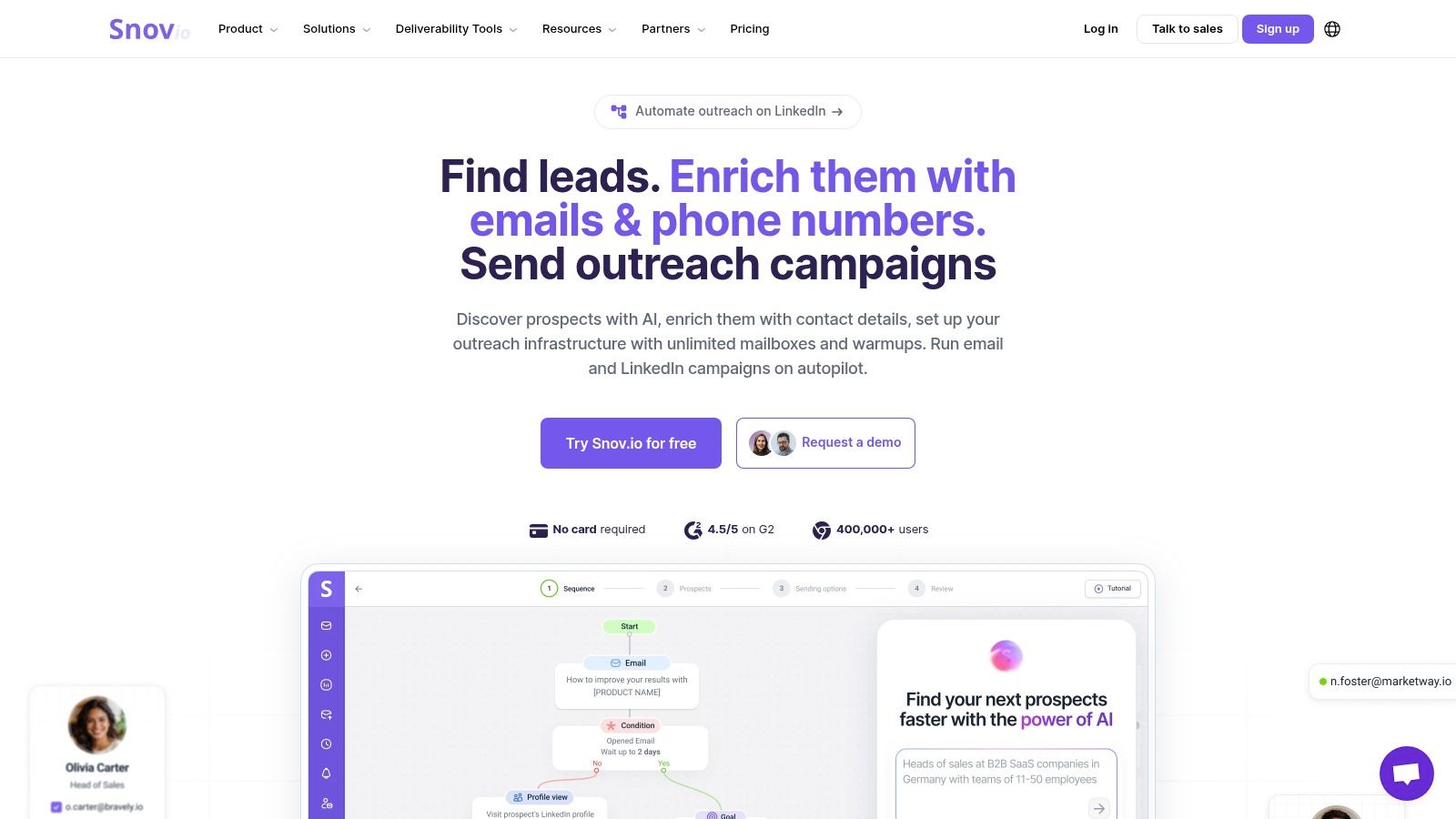
Snov.io bundles email finding, verification, enrichment, sequencing, CRM functions, warm-up, and deliverability features into one sales platform. Its appeal is operational simplicity for budget-conscious teams. A small sales organization can build a prospect list, check addresses, create sequences, and manage follow-up without buying separate products for every stage.
Bulk search and verification use clear per-plan credit allotments, while API and webhook support help operations teams connect the platform to other systems. Paid plans offer unlimited team seats and generous export policies, which can matter when several reps or contractors share a prospecting process.
The important boundary
Snov.io is strongest when finding is part of a broader outbound workflow, not when the only requirement is maximum data depth for a narrow ICP. Its database can trail premium providers for specific personas, industries, or regions. LinkedIn automation also has platform safety and policy limitations, so teams should avoid treating automation as a substitute for careful targeting.
The built-in warm-up and deliverability tools are useful, but they don't eliminate list hygiene. SPF, DKIM, and DMARC still need to be configured, unsubscribe handling must work, and risky addresses should be suppressed before a sequence starts. A sending platform can automate bad decisions as efficiently as good ones.
Use Snov.io when your team values a single workspace and transparent plan allowances. Use a specialist finder or enrichment provider when your main challenge is a difficult segment with thin database coverage.
Snov.io is a practical all-in-one option for SMB teams that want email discovery, verification, sequencing, and basic deliverability controls together.
8. UpLead
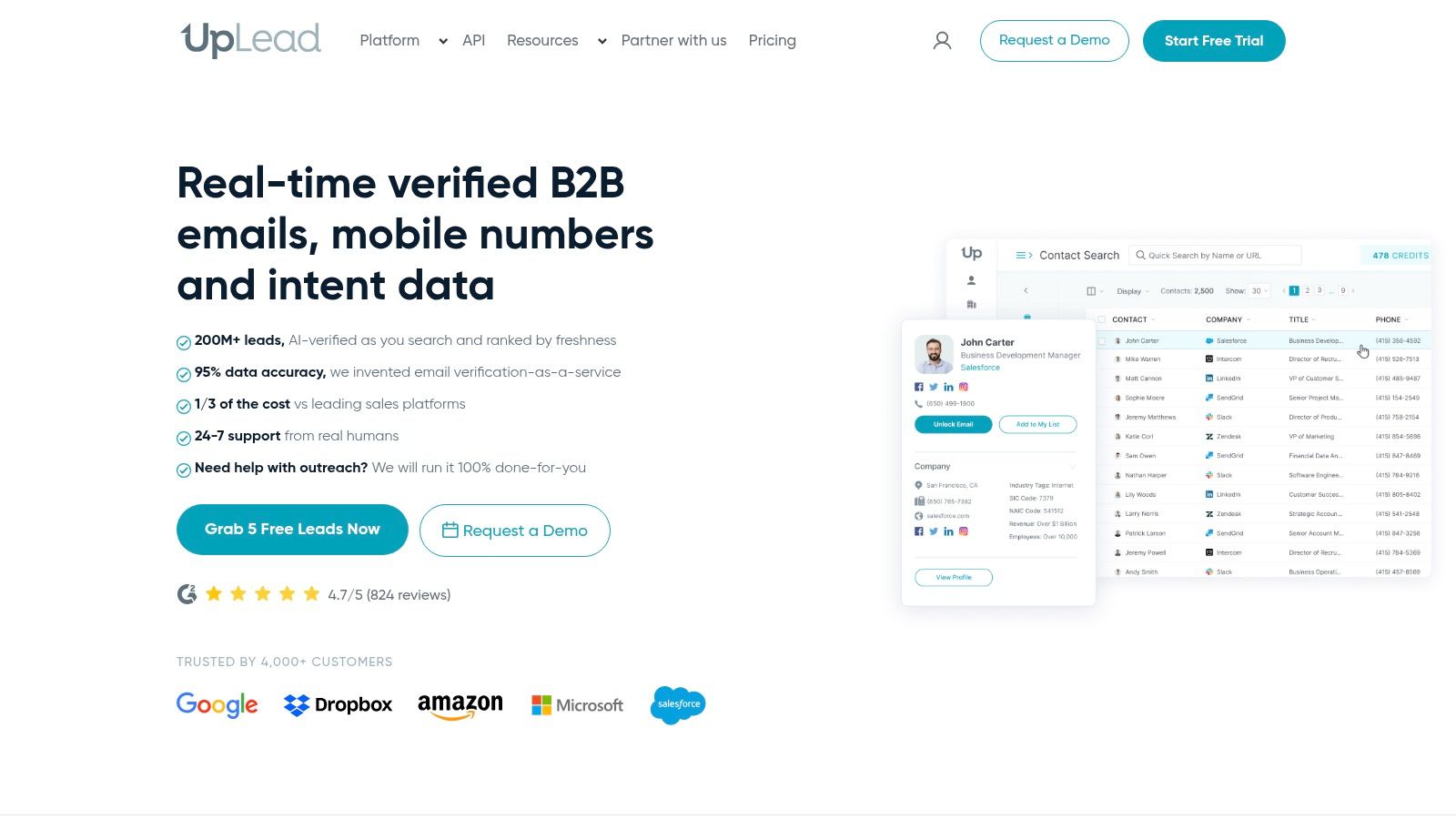
UpLead puts validated contact data at the center of its offering. It combines prospect search with work email and direct-dial reveals, a Chrome extension, CRM integrations, and an API. Its clearest differentiator is a published 95% accuracy guarantee, supported by credit refunds for bad contacts, as stated in the product plan notes.
That guarantee changes the buying conversation. Instead of evaluating only how many records a provider can return, a team can ask how the vendor handles an unusable result and whether the credit comes back. The answer still needs to be tested against your own industry, geography, and role mix.
Who should choose it
UpLead suits sales teams that want to validate contact quality before outreach and need a clean connection to the CRM. The credit definition is simple, one credit represents one contact, which makes usage easier to forecast than a platform with separate charges for records, exports, and enrichment actions.
Lower tiers can impose single-user limits, and advanced filters or intent features may require more expensive plans. That matters for teams that need several researchers or complex account segmentation. If your primary need is local company discovery, UpLead may also be less efficient than starting with map data and then enriching only the businesses that match your territory.
The sales team workflow for UpLead is most relevant when verified contact records need to move into structured sales operations rather than remain in a research spreadsheet.
UpLead is a strong candidate for teams that prioritize a public accuracy commitment, clear credit accounting, and CRM-ready enrichment.
9. Cognism
Cognism is built for teams that need compliance-forward B2B data and strong EMEA coverage. Its product combines prospecting, contact enrichment, mobile verification, CRM enrichment, APIs, and intent integrations such as Bombora. That regional emphasis makes it a more natural choice for European outreach than a provider designed mainly around U.S. data.
Cognism's GDPR-first positioning is relevant to operations teams that need documented processes around business contact data, source handling, and regional outreach. Compliance isn't a feature you switch on after the campaign launches. It affects collection, storage, segmentation, messaging, suppression, and removal procedures.
Regional depth versus budget
Cognism is quote-based and typically includes seat minimums and credit models. That can make it too expensive for a small team running occasional prospecting, but it may be justified when EMEA coverage, mobile verification, and compliance governance are central to revenue operations.
Teams should still verify email addresses before sending, even when a provider emphasizes verification. Domain configuration, catch-all handling, employment changes, and internal suppression lists remain the buyer's responsibility. A compliant data provider doesn't make an irrelevant or unwanted message compliant.
Cognism is best for organizations running substantial European or multi-region outreach that need regional data depth and compliance processes built into the vendor relationship.
10. Clearbit, now HubSpot Breeze Intelligence
Clearbit's enrichment and prospecting capabilities are now integrated into HubSpot Breeze Intelligence after the acquisition. The strongest use case is a team already standardized on HubSpot that wants firmographic and technographic enrichment to happen inside the CRM rather than through a separate research workspace.
The product ecosystem supports enrichment for HubSpot, Salesforce, and Segment, while usage is connected to credit packs and HubSpot tiers. Historical Prospector functionality has been folded into the HubSpot experience, so buyers should evaluate the current CRM workflow rather than assume they're purchasing the older standalone Clearbit product.
The integration decision
Native CRM alignment is Clearbit's main advantage. Enrichment can improve segmentation, routing, scoring, and account records without creating another export-and-import process. The taxonomy is also familiar to teams that have used Clearbit data in broader revenue operations.
The limitation is equally clear. Pricing is quote-gated and tied to HubSpot tiers, so the product is less compelling if your organization doesn't already rely on HubSpot. It also isn't a substitute for map-based discovery when you need to identify local businesses across a territory, nor is it a dedicated verification service for every address already in your database.
Clearbit makes the most sense when CRM alignment and in-record enrichment matter more than standalone email-finder flexibility.
Top 10 B2B Email Finder Comparison
| Product | Core features & coverage | Enrichment & quality (★) | Workflow & scale (✨) | Price & best fit (💰 👥) |
|---|---|---|---|---|
| MapLeads 🏆 | Tri-source map scraping (Google/Apple/Bing), 195 countries, CSV/Excel/JSON exports, location + reputation metadata | ★★★★☆, Verified emails (BillionVerify), phones, socials, reviews; consistent schema | ✨ Managed cloud jobs (no proxies/CAPTCHA), webhook/API, cross-source de-dupe, country-wide runs, auto-refunds | 💰 Lite $50 / Pro $100 / Max $200, Best for SDRs, lead-gen agencies, local SEO, recruiters, devs 👥 |
| Hunter.io | Domain Search, Email Finder, Chrome & Sheets extensions, API | ★★★★☆, Strong verification to reduce bounces | ✨ Bulk finder + verifier, simple UI, integrations | 💰 Clear credit pricing, Best for SMB outreach and marketers 👥 |
| Apollo.io | Large prospect database, enrichment, sequencing, extension | ★★★★, Waterfall enrichment; variable by ICP | ✨ All-in-one prospecting + engagement, frequent updates | 💰 Good value at lower tiers, Best for SMBs / mid-market sales teams 👥 |
| ZoomInfo SalesOS | Enterprise contact/company intelligence, org charts, intent | ★★★★★, Deep North American coverage, mobile numbers | ✨ Advanced ABM, integrations for enterprise stacks | 💰 Quote-only, seat mins, Best for large enterprises and complex GTM 👥 |
| Lusha | Credit-based reveals, Chrome extension, CRM integrations | ★★★★, Quick verified emails; phones credit-expensive | ✨ Fast in-browser reveals, simple credit math | 💰 Straightforward credits; good for SDRs and small sales teams 👥 |
| RocketReach | Person lookup by name/company/role, on-demand enrichment | ★★★, Handy gap-filler; coverage varies by persona | ✨ One-off lookups, CSV export, browser extension | 💰 Pay-as-you-go / tiers, Best for recruiters & research backfills 👥 |
| Snov.io | Email finder + verifier, sequencing, warm-up, API/webhooks | ★★★, Budget-friendly verification; depth varies | ✨ All-in-one outreach suite, generous seats/exports | 💰 Affordable SMB plans, Best for cost-conscious teams doing outreach 👥 |
| UpLead | Prospector with verified emails & direct dials, accuracy guarantee | ★★★★, 95% accuracy claim + credit refunds for bad contacts | ✨ Clean API & CRM integrations, clear credit math | 💰 Mid-priced, Best for teams prioritizing validated contacts 👥 |
| Cognism | GDPR-first contact data, strong EMEA coverage, mobile verification | ★★★★, Good EMEA accuracy; compliance focus | ✨ Compliance-forward APIs, Bombora intent integration | 💰 Quote-based (enterprise), Best for EU/EMEA outreach and compliant teams 👥 |
| Clearbit (HubSpot) | In-CRM enrichment (HubSpot), firmographic & technographic data | ★★★★, Known taxonomy; HubSpot-native enrichment | ✨ Native HubSpot workflows, attribution in CRM | 💰 Quote-gated via HubSpot, Best for teams standardized on HubSpot 👥 |
Choose the Finder That Fits Your Workflow
Start with the job, not the vendor logo. If your team needs to discover businesses by city, category, service area, or map presence, MapLeads gives you a broad account universe and consistent exports across Google Maps, Apple Maps, and Bing Maps. That makes it a useful first layer before a person-level platform enriches the owner, manager, recruiter, or department head inside each business.
Choose Hunter or RocketReach for focused finding and backfills. Hunter is better when you know the domain and want domain search, email-pattern discovery, bulk verification, or spreadsheet and API workflows. RocketReach is more useful when a primary database has missed a particular person and you need a secondary lookup rather than another complete prospecting system.
Apollo and Snov.io fit teams that want prospecting and sequencing in one system. Apollo offers broader sales execution and enrichment, while Snov.io emphasizes an integrated workflow for teams that want finding, verification, sequencing, warm-up, and CRM capabilities without assembling a larger stack.
ZoomInfo, Cognism, and Clearbit serve more specific operating environments. ZoomInfo suits enterprise teams that need deep account intelligence, org charts, integrations, and buying-committee workflows. Cognism is a better fit when EMEA coverage and compliance-forward processes drive the decision. Clearbit, through HubSpot Breeze Intelligence, is most compelling for teams already committed to HubSpot and in-CRM enrichment.
A reliable process should look like this:
- Define the ICP: Specify the company type, geography, relevant roles, and business reason for contact before collecting records.
- Discover the right accounts: Use map-based search for location-led campaigns and database-first tools for known markets or named organizations.
- Enrich only relevant records: Add people and contact details after the account passes your targeting rules.
- Verify before outreach: Industry benchmarks place healthy bounce performance below 2%, with hard bounces below 1%, according to email deliverability guidance.
- Deduplicate against the CRM: Match on domain, company identity, person, and existing suppression records before creating or updating contacts.
- Segment risky addresses: Keep role-based addresses and catch-all domains separate from contacts that have stronger mailbox evidence.
- Protect the sending system: Configure SPF, DKIM, and DMARC, provide one-click unsubscribe, and keep spam complaints within the range recommended by Apollo's email lookup guidance.
- Refresh continuously: B2B lists decay, so re-validation and suppression should be recurring operations rather than a one-time cleanup.
Verification reduces avoidable delivery risk, but it doesn't guarantee inbox placement or make irrelevant outreach lawful. You still need a legitimate business purpose, appropriate regional policies, clear opt-out handling, secure data storage, and a process for removing contacts who shouldn't be contacted.
The broader market reinforces why this work deserves an operating process. Bulk email verification and validation was estimated at about $1.2 billion to $1.4 billion in 2025 and is projected to reach roughly $1.96 billion to $2.67 billion by 2030, according to market analysis of bulk email verification. That projection reflects a recurring need. Lists change, domains become catch-all, people move companies, and teams must keep checking the data they depend on.
For the full sending system, combine your finder with a practical sales outreach stack for 2026. The best tool is the one that produces the highest usable contact rate after discovery, verification, deduplication, suppression, and compliance checks, not the one that returns the most raw records.
MapLeads turns Google Maps, Apple Maps, and Bing Maps searches into structured lead lists with public business details, verified emails, phone numbers, websites, social profiles, reviews, and CRM-ready exports. Use it to discover and enrich the right businesses first, then apply your person-level finding and sending workflow to contacts that match your ICP. Visit MapLeads to test a location-based B2B email workflow built for repeatable extraction, enrichment, and clean exports.