How to extract business leads from Google Maps with MapLeads
What a Google Maps scraper is, how cloud extraction beats local tools, exactly what fields MapLeads returns, and how to pull unlimited business leads — at the lowest cost per lead on the market.
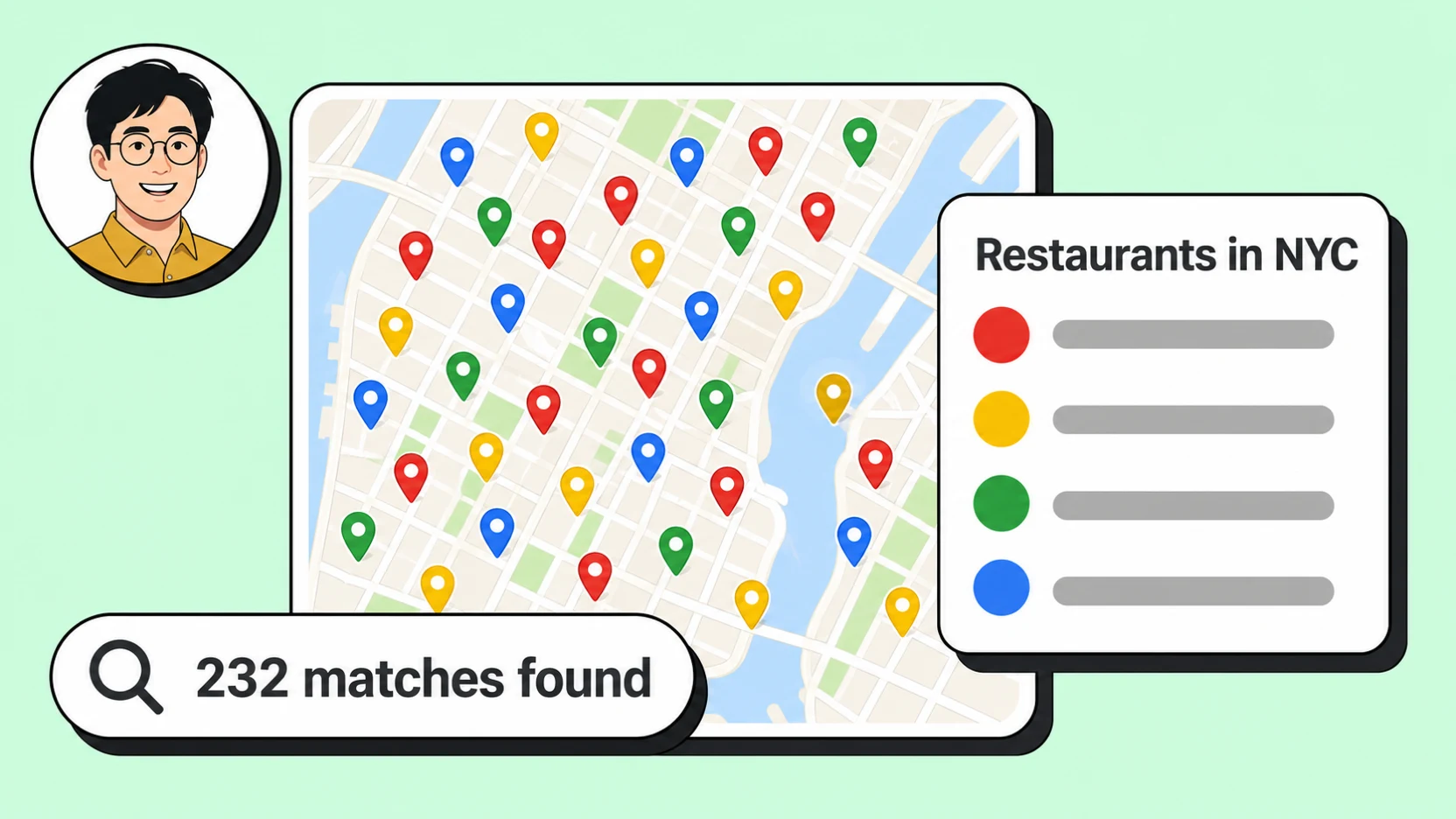
Google Maps is the largest directory of local businesses in the world. For sales teams, agencies, and recruiters, it's also one of the best sources of leads — if you can get the data out of it. Copy-pasting business names and phone numbers one listing at a time doesn't scale, and the official Google Places API caps each search at a handful of results and never returns an email.
MapLeads is a Google Maps scraper built for exactly this. You give it a search — a business type and a location — and it extracts every matching business into a structured list you can read in the dashboard, pull from an API, or export to CSV, Excel, or JSON.
What is a Google Maps scraper?
A Google Maps scraper is a tool that extracts business data from Google Maps and turns it into structured records — so instead of reading listings one by one, you get a spreadsheet (or an API response) of every business that matches your search. A good Google Maps extractor helps you:
- Generate qualified leads — pull business names, websites, emails, and phone numbers to build prospect lists for your sales team.
- Track competitors across regions — see where competitors operate, how they're rated, and how many reviews they've earned.
- Perform market analysis — measure market saturation, spot service gaps, and benchmark local businesses by size, rating, and visibility.
- Find partnership targets — surface top-rated or high-volume locations worth reaching out to.
- Automate research workflows — replace manual, repetitive lookups with repeatable jobs that keep your datasets fresh.
Why use a scraper at all, instead of Maps itself? Because Maps isn't built for export. The official Google Places API is limited and never returns contact emails, and the Maps interface only ever shows around 120 places per area — so even careful manual work hits a wall fast. A scraper expands extraction beyond both of those limits.
Cloud scraping vs. local scraping
There are two fundamentally different ways to scrape Google Maps, and the difference matters a lot once you need volume.
Local scraping means a browser extension or desktop app that runs on your machine, using your IP address. It works for a quick list, but it has hard ceilings: you have to keep the tab open while it runs, throughput is limited by your computer, the tool usually breaks whenever Google tweaks its layout, and your own IP gets rate-limited or blocked if you push too hard. You can't realistically run a job overnight or pull a whole country.
Cloud scraping — the way MapLeads works — runs every search as a managed job on our own servers. You start it and close the tab; the job keeps running in the background. IP reputation is handled by managed residential proxies, so you're never throttled for using your own connection, and you can launch many large searches in parallel without your laptop ever being the bottleneck. When a job finishes, you can be notified by webhook.
The practical payoff is scale. There's no per-search result ceiling: a single search keeps pulling businesses from the map until Google stops returning new ones, and you can queue as many searches as you need. In other words, extraction is effectively unlimited — whether you want 200 leads from one neighborhood or every business of a type across an entire country.
What you give it: the search input
The input is deliberately simple. A MapLeads search is a business type plus a place:
- Business type (keyword) — what you're looking for, e.g.
Restaurants,Dentists,Design agency. This doubles as the category you're targeting. - Country — pick the country to search in.
- City / region (optional) — narrow to a single city or area. Leave it empty to sweep a whole country; fill it in to focus on one metro.
- Enrichment toggles — turn on Find emails and Find social profiles to enrich each lead beyond what the map listing shows.
You can set this up in the dashboard fields or submit it programmatically over the API.
A quick note on keywords: using several distinct search terms increases how many places you capture, but near-duplicate terms just make a run slower without adding results. A good list is varied — restaurant, bar, pub, cafe, buffet, ice cream, tea house. A wasteful list is repetitive — restaurant, restaurants, chinese restaurant, cafe, coffee, coffee shop, takeout. Google often pulls in adjacent categories anyway, but distinct terms give you the broadest, cleanest coverage.
What you get back: every field MapLeads extracts
For each business a search returns, MapLeads captures the fields you actually need to act on a lead. These are the exact fields the product and API return:
| Field | What it contains |
|---|---|
| Business name | The listing's name |
| Categories | One or more Google categories, e.g. "Coffee shop", "Design agency" |
| Full address | The complete formatted address |
| Street | The street line, broken out |
| City / municipality | The city or municipality, broken out |
| Coordinates | Latitude and longitude |
| Plus Code | Google Plus Code for the location |
| Phone | Primary phone number, plus any additional numbers found |
| Website | The business's website URL |
| Domain | The bare domain parsed from the website |
| Email(s) | Verified email address(es) — via enrichment |
| Social profiles | Links to Facebook, Instagram, LinkedIn, and more — via enrichment |
| Rating | Average star rating |
| Review count | Number of Google reviews |
| Reviews URL | Direct link to the listing's reviews |
| Opening hours | Hours by day of the week |
| Price level | Google's price tier ($–$$$$), where shown |
| Claimed status | Whether the owner has claimed the listing |
| Featured image | URL of the listing's main photo |
| Google Maps URL | Direct link to the listing on Maps |
| Place ID | Google's stable Place ID |
| CID | Google's listing/customer ID |
| Knowledge Graph IDs | Google's internal entity identifiers (kgmid / fid) |
Emails and social profiles deserve a special mention. A record without a way to reach someone isn't really a lead — so when enrichment is on, MapLeads goes one step beyond the map listing: for every business that has a website, it visits that site and pulls email addresses and social profiles. No separate tool, no extra per-record fee. That's the difference between a list of place names and a list you can actually email or call.
How it works
A search runs as a job: you start it, it works through the map, and you read the results when it's done.
- Start a search. From the dashboard, enter a business type (like
coffee shops), choose a country, and optionally a city or region — then run it. Or submit the same search over the API. - Let it run. The job moves from pending to running to completed. Because it runs in the cloud, you can close the tab; nothing depends on your machine staying awake. Watch progress in the dashboard, or get a webhook when it finishes.
- Read or export. Browse the leads in a sortable table, or download them as CSV, Excel (XLSX), or JSON to drop straight into your CRM or outreach tool.
Automate it with the API
Everything the dashboard does is also available over the public, versioned developer API (/v1), authenticated with an API key:
POST /v1/scrape-jobs— start a searchGET /v1/scrape-jobs/:id— check statusGET /v1/scrape-jobs/:id/leads— read the leadsGET /v1/scrape-jobs/:id/export— download a file
Prefer not to poll? Register a webhook and MapLeads will call your endpoint with a signed scrape_job.completed (or scrape_job.failed) event the moment a job finishes — ideal for wiring extraction into an automated pipeline. See the API docs for the full reference.
Who it's for
Anyone whose work starts with "find every business that matches X in Y" gets value from a Google Maps extractor. A few common patterns:
- Sales and SDR teams build targeted outbound lists by industry and city, then push the enriched leads — with verified emails and phone numbers — straight into a sequence. Local businesses you'll never find on LinkedIn are all on Maps.
- Agencies pull fresh local-business data for client campaigns: a roofer client wants every competitor in three metros; a marketing client wants every restaurant in a region with no website yet. The emails come included, so the list is ready to work the same day.
- Local SEO specialists start from a complete map of every competitor in an area — ratings, review counts, categories, and claimed status — to audit listings, find gaps, and prioritize where to compete.
- Recruiters and researchers source companies by category and geography, building a structured dataset of employers, contacts, and locations instead of hand-collecting them.
- Market and competitive analysts measure saturation and benchmark players by size, rating, and visibility — repeatable on a schedule so the dataset stays current.
- AI agents call MapLeads directly. From day one, every capability ships as a clean, standardized REST API with webhooks — so an autonomous agent can launch a search, wait for the
scrape_job.completedevent, and read structured leads without a human in the loop. It's the same surface a developer uses, which makes MapLeads a natural tool for agent pipelines today, and we're going further: first-class MCP server and Agent Skill support are on the roadmap, so an assistant can discover and use MapLeads as a tool with zero glue code. The goal is an AI-native Google Maps scraper — built to be driven by agents, not just people.
Pricing: unlimited extraction at the lowest cost per lead
MapLeads is built so that scale is never the thing that stops you. There's no cap on how much you can extract — run unlimited searches and pull as many businesses as a market contains — and email and social enrichment are included rather than billed as a separate add-on. Just as important, MapLeads offers the lowest cost per lead on the market today, so the more you extract, the more that advantage compounds. Every account starts with a free trial, so you can run real searches and export real leads before you commit. See Pricing for details.
Ready to try it?
Start a trial, run your first search, and export a real list of leads in a couple of minutes.