10 Best Lead Enrichment Software Tools for 2026
Compare 10 lead enrichment software platforms for B2B teams in 2026. Explore enrichment types, integrations, pricing tiers, and real use cases.
Your CRM is lying to you in the same way a half-filled address book lies. The lead is there, the name is there, and then the email is missing, the phone number is dead, the company has moved, or the record is too stale to trust. That's the primary job of lead enrichment software, it turns raw signups, scraped lists, and intent signals into records a rep can use.
Teams don't need more data in the abstract. They need verified contacts, fresher firmographics, and a workflow that starts with forms, scraping, or intent and ends with something a rep can route, call, or sequence without spending twenty minutes checking LinkedIn. That's why I'm judging these tools on data source, verification depth, delivery mode, integration surface, and pricing transparency. If a platform can't show how it gets data, what it verifies, and where it lands, it's not enrichment, it's just a bigger database.
1. MapLeads
MapLeads is the sharpest choice when your lead generation starts with local business discovery, not a CRM export. It pulls businesses from Google Maps, Apple Maps, and Bing Maps in one workflow, then enriches them with verified emails, phone numbers, websites, social profiles, ratings, review counts, and location metadata, including addresses, coordinates, Plus codes, and Place IDs. If your team lives in lists of storefronts, agencies, clinics, contractors, or any other local B2B segment, this is the tool that keeps the whole motion together.
The reason I rank it first is simple. Most enrichment tools assume you already have a decent record to clean up. MapLeads helps you create the record, verify it, and export it in a usable format without bouncing between scrapers, enrichers, and spreadsheets. It runs as a managed cloud job, so you don't have to manage proxies, CAPTCHAs, or local scripts, and it keeps the same search form and output structure across all three map sources.
Why it fits a real workflow
MapLeads is strongest when enrichment is just one step inside a broader pipeline. You can bulk extract, merge across sources, de-duplicate, filter before export, and send the output to CSV, Excel, or JSON with consistent columns that won't wreck your CRM import. Its verified email addresses are included at no extra cost, and the platform also offers API and SDK access, plus webhooks and a customer portal for integration-heavy teams. The pricing is also straightforward, with Lite at $50/month, Pro at $100/month, and Max at $200/month, plus a 3-day trial and annual billing savings on the vendor site (MapLeads).
Practical rule: If your lead source is a map search, don't buy a generic contact database first. Build from the local business graph, then enrich and verify as part of the same job.
Pros:
- Tri-source coverage: Google, Apple, and Bing search in one system, which helps reduce missed businesses and widens market coverage.
- Built-in enrichment: Verified emails, phones, social profiles, and review data arrive in the export, so the list is outreach-ready.
- Managed delivery: No proxy rotation, CAPTCHA handling, or local server overhead, which keeps ops overhead low.
- Operational control: Cross-source merge, de-duplication, filters, API access, and automation hooks support teams that want repeatable pipelines.
Cons:
- Trial friction: The trial requires a plan selection and payment method, which makes casual testing a little clunky.
- Public proof gap: The site is detailed on features, but it doesn't lean on public case studies or testimonial-heavy proof.
If you want a single tool that finds local businesses and hands them to sales in usable form, MapLeads is the cleanest answer.
2. Clearbit (by HubSpot)
Clearbit makes sense when your leads already live in HubSpot and you want enrichment to disappear into the workflow. It's not a standalone data purchase in the usual sense anymore, it's part of the HubSpot ecosystem, which matters because the best enrichment is the kind reps don't have to think about twice. If you're short on ops time and already committed to HubSpot, this is the most frictionless path.
The value here is the fit, not the novelty. Clearbit appends company and contact attributes directly into HubSpot workflows, so inbound forms, CRM records, and routing logic all get richer without a separate enrichment handoff. It's especially useful for teams that care more about instant qualification than building a giant external database.
Where it fits
Clearbit's strength is how naturally it sits inside HubSpot Smart CRM and automation. It's a better fit for inbound-heavy teams than pure outbound shops, because it helps shorten forms, enrich entries, and surface more context at the exact moment a lead arrives. If you're using other CRMs, the value drops fast, because the primary payoff is the native embedding inside HubSpot rather than a universal enrichment layer.
The limitation is obvious. It's a strong operational choice for HubSpot users, but it's not the broadest answer for teams that want to assemble a multi-source enrichment stack. If your workflow spans map sourcing, waterfall enrichment, and custom routing logic, HubSpot-native convenience won't cover every edge case.
Best for: HubSpot teams that want contact and company enrichment without adding another major platform.
Skip it if: Your sales motion is spread across multiple tools and you need a more flexible delivery layer.
3. ZoomInfo Enrich (SalesOS / OperationsOS)
ZoomInfo is the enterprise default for a reason. It's built for teams that need deep coverage, governance, and multiple delivery modes without worrying whether the data layer can keep up. When the business case is about scale and reliability instead of convenience, ZoomInfo belongs on the shortlist.
The strongest thing about ZoomInfo Enrich is flexibility. It supports real-time API, batch and CSV workflows, and data-as-a-service delivery, which means RevOps teams can use it as a system component instead of just a lookup tool. That matters when enrichment has to feed CRM hygiene, routing, scoring, and outbound at the same time.
Why enterprise teams pay for it
ZoomInfo is also the kind of platform buyers choose when they need broad coverage and mature governance, not just a quick contact finder. That's why it shows up in stacks where the CRM is only one destination and enrichment needs to move cleanly across multiple systems. It's also the kind of vendor that makes sense when procurement and compliance are part of the buying process, because the platform is set up for enterprise-scale operations rather than lightweight self-serve usage.
The trade-off is obvious. The buying cycle is longer, the contract motion is sales-led, and the tool can be more than a small team needs. If you're not going to use the batch, API, and governance surfaces, you're paying for horsepower you won't touch.
For teams evaluating it against alternatives, I'd start with the vendor comparison page on MapLeads' ZoomInfo alternative guide before you sign a contract. That keeps the conversation grounded in delivery mode and operational fit, not just brand recognition.
Best for: Enterprise RevOps teams with complex CRM hygiene, bulk enrichment, and governance needs.
Skip it if: You need quick deployment and transparent self-serve pricing.
4. Apollo.io Enrichment
Apollo is the practical choice for outbound teams that want prospecting and enrichment in one place. It's popular because it reduces tool sprawl, not because it tries to be the most specialized enricher. If your reps are already building lists, sequencing, and enriching in the same motion, Apollo is efficient.
The self-serve feel is its real advantage. Apollo exposes people and company enrichment through API, CSV, and CRM connectors, and it supports automation-friendly workflows that make sense for teams that want to move fast. The broader platform also helps because enrichment doesn't sit alone, it feeds prospecting and engagement in the same environment.
Where Apollo wins, and where it doesn't
Apollo is strongest when your goal is to keep a small outbound team moving without stitching together separate tools. The documentation is approachable, the workflow is familiar, and the platform is built for automation. For teams with a developer or ops resource, the API surface gives you enough control to slot enrichment into repeatable pipelines.
The trade-off is credit consumption and record limits. Phone reveal and waterfall steps can burn extra credits, and larger CSV jobs need batching, so it's not the smoothest fit for enormous enrichment runs. If your process depends on very large data drops or a highly governed enrichment layer, Apollo can feel like a good all-rounder rather than a specialist.
For a direct vendor comparison, use MapLeads' Apollo alternative page to see how a map-first workflow changes the equation.
Best for: Outbound teams that want prospecting, enrichment, and sequencing in one platform.
Skip it if: You need a local-business discovery layer or very large-scale bulk enrichment without batching.
5. Lusha Enrichment
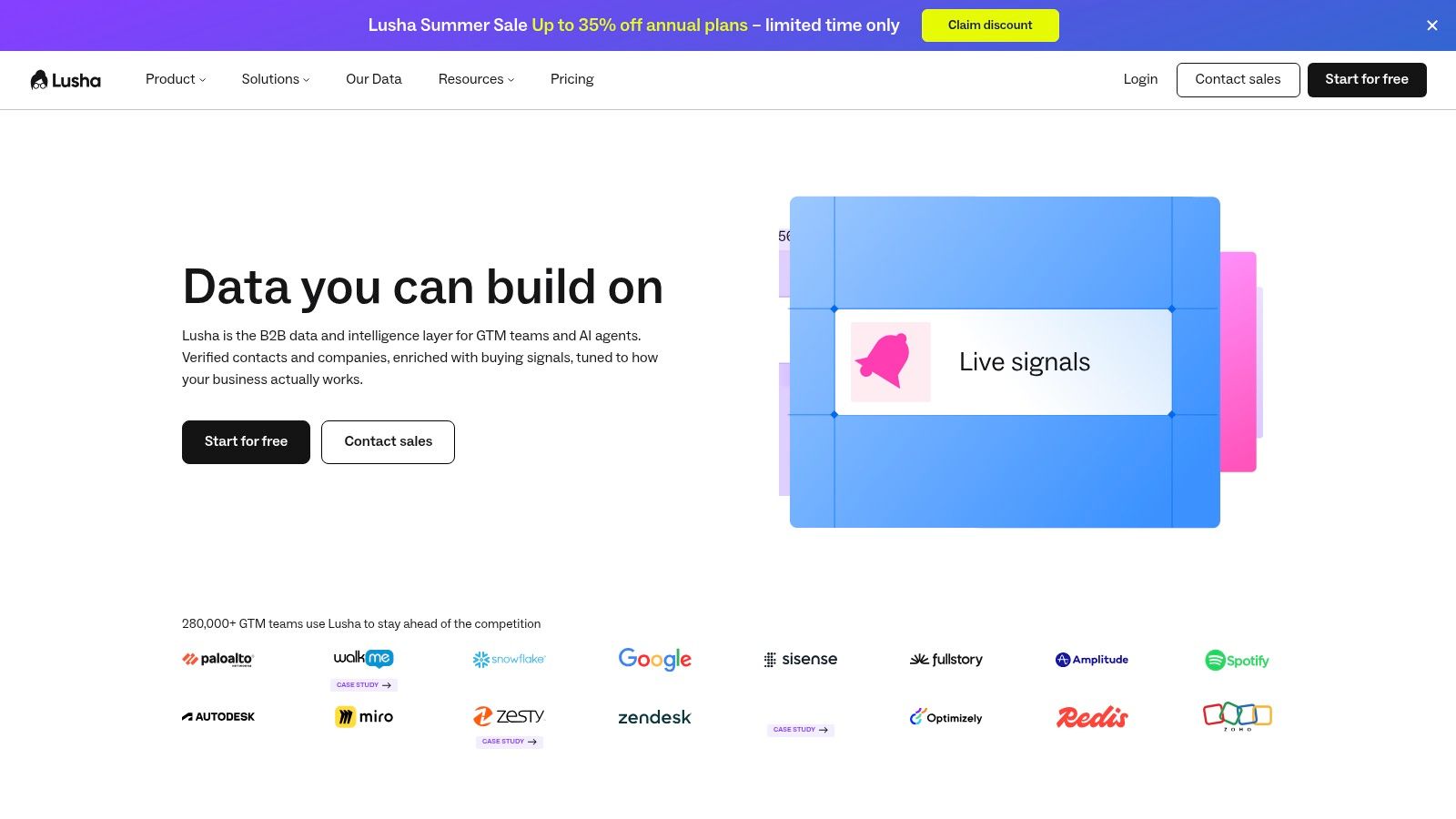
Lusha is the straightforward pick when you want quick deployment and a pricing model you can easily understand. It's built for teams that care about getting contact data into the workflow fast, whether that's through a browser extension, CSV upload, CRM entry, or a form submit. That makes it easy to operationalize without a long implementation project.
Its biggest advantage is simplicity. The platform's enrichment hub can run at record creation, so leads can be enriched as they enter the system instead of being cleaned up later. That's the right pattern for teams that want to reduce manual research and keep sellers focused on outreach.
Why teams choose it
Lusha also stands out because it's practical rather than sprawling. The browser extension, CSV workflows, and API all point in the same direction, which is fewer moving parts for smaller RevOps teams. The public pricing structure makes it easier to estimate cost before you talk to sales, which is rare enough in this category to matter.
The limitation is scope. If you need deep firmographics, technographics, or very broad international coverage, Lusha may feel narrower than the bigger GTM databases. It's a good tool for quick contact discovery and enrichment, not the deepest research stack in the market.
Best for: Small to midmarket teams that want fast contact enrichment and a clear credit model.
Skip it if: You need the broadest possible database or enterprise-style custom delivery.
6. Cognism Enrichment
Cognism belongs on the list if your pipeline runs through Europe or your compliance team has strong opinions about data governance. It's known for GDPR-aligned processes and verified mobile numbers, which gives it a clear identity in a market where a lot of vendors sound similar until legal gets involved.
The thing buyers usually want from Cognism is trust. It offers CRM enrichment, API and DaaS delivery, and intent-based filters that help prioritize accounts without making compliance an afterthought. That combination matters when the outreach plan has to work across regions with different expectations for lawful data use.
When it's the right call
Cognism is strongest for teams that prospect heavily into European markets and need contacts they can stand behind operationally. It's also useful when mobile verification matters, because the platform is built around accuracy and governance rather than pure volume. That makes it a better fit for quality-sensitive motions than spray-and-pray prospecting.
The downside is familiar. Pricing is customized, procurement takes real effort, and US-only teams may find the coverage mix less compelling than a US-first vendor. If your motion is mostly domestic and you don't need the compliance angle, you may pay for a strength you never use.
Best for: European-facing teams, compliance-conscious organizations, and workflows that need verified mobile data.
Skip it if: You only care about cheap scale in one market.
7. People Data Labs (PDL)
People Data Labs is the developer's enrichment tool. It's built for teams that want APIs, bulk endpoints, and clear credit accounting rather than a polished sales rep interface. If your enrichment logic lives inside your product, warehouse, or automation stack, PDL gives you a clean way to wire it in.
What I like about PDL is that it doesn't pretend to be a one-click magic box. It's for engineering and data teams that understand what they're building and want structured access to person, company, and IP enrichment. That makes it especially useful for custom workflows where enrichment isn't the end product, it's input for scoring, routing, identity, or product logic.
The developer trade-off
The upside is control. The downside is that you need technical resources to get full value, and premium fields may sit behind higher tiers or add-ons depending on your setup. That's fine if your team has a real ops or engineering function, and frustrating if it doesn't.
PDL also suits teams that care about transparency in how credits and usage work. If you're tired of opaque bundles and hidden complexity, its self-serve posture feels refreshingly direct. The platform rewards teams that know how to build with data rather than just buy it.
Best for: Engineering-led teams embedding enrichment into applications or internal pipelines.
Skip it if: You want a point-and-click sales tool with minimal setup.
8. FullContact Enrich
FullContact is for identity resolution first, enrichment second. That distinction matters because some teams don't just want more fields, they need to stitch records together across emails, phones, handles, and domains. If your CRM has duplicates, partial profiles, and fragmented identity data, FullContact is built for that mess.
The platform's webhook-driven approach makes it useful for event-based workflows. You can send identifiers in, get unified profiles back, and keep updating records as new data arrives. That's a better fit for ongoing hygiene than one-time list cleanup.
Why it's different
FullContact is less about prospecting and more about making sure the system knows who a person is. That makes it a strong choice for product, marketing, and data teams that need stable identity graphs rather than a sales-only enrichment layer. It's also developer-friendly, with SDKs and public docs that support implementation work.
The drawback is procurement and complexity. It's usually sales-led and more technical to implement than lighter tools, so it's not the best pick for teams that just want a quick list upgrade. If you need identity resolution at the center of your workflow, though, it's a serious contender.
Best for: Teams that need identity stitching, webhook updates, and ongoing profile refreshes.
Skip it if: You mainly need fast B2B prospecting data.
9. RocketReach
RocketReach works best as a supplementary source, not your only source. It's a useful gap-filler when you need another pass at emails, direct dials, or social profiles, especially in waterfall enrichment setups where one vendor misses what another catches.
The platform's value is breadth of access. You can use the web app, CSV workflows, or API, and it also includes intent data and sequences for teams that want a little more than raw contact lookup. That makes it flexible enough to support both manual prospecting and automated pipelines.
Where to use it
I'd put RocketReach in the stack when a team already has a primary data source and wants a second layer for coverage. It's especially useful if your internal process depends on finding the best possible match across multiple providers before a rep ever sees the record. That's exactly where waterfall enrichment earns its keep.
The weakness is consistency. Coverage and recency can vary by segment, so it's not the vendor I'd trust alone for a high-stakes outbound push. Use it to fill gaps, not to define the entire database strategy.
Best for: Secondary enrichment, gap-filling, and waterfall workflows.
Skip it if: You want a single-source system of record for all contact data.
10. Hunter
Hunter is the cleanest choice if your priority is verified email delivery. It's email-centric by design, which is exactly why a lot of SMB and agency teams keep it around. If you need domain search, email finding, and verification more than deep firmographics, Hunter does the job without unnecessary noise.
The best part is how easy it is to understand. You can search by domain, find likely email patterns, verify lists, and move on. That makes it a good fit for teams that want to protect sender reputation and avoid bloated contact workflows.
Why it stays relevant
Hunter's structure works because it solves a specific part of the lead enrichment workflow very well. It's not trying to be a giant GTM suite, and that's a strength. For outbound teams that already have source data and just need cleaner emails, it's a practical tool that slots into the middle of the process.
The limitation is obvious. It's mostly email-focused, with less depth on phones, firmographics, and technographics than broader databases. If your pipeline depends on direct dials or account-level intelligence, Hunter should sit alongside other tools, not replace them.
For teams comparing email-first enrichment against map-first list building, MapLeads' Hunter alternative page is worth a look.
Best for: Email verification, domain-based prospecting, and deliverability control.
Skip it if: You need broad account data or a phone-heavy outbound stack.
Top 10 Lead Enrichment Tools, Feature Comparison
| Solution | Core features & sources (✨) | Enrichment & output | UX / Quality (★) | Pricing / Value (💰) | Best for (👥) |
|---|---|---|---|---|---|
| 🏆 MapLeads | Tri‑source extraction (Google/Apple/Bing), location metadata, cross‑source merge, managed cloud jobs ✨ | Verified emails (BillionVerify), phones, socials, ratings; clean CSV/Excel/JSON exports | ★★★★, consistent schema, auto refunds on failed runs | 💰 Lite $50/mo (15k), Pro $100/mo (40k), Max $200/mo (100k); 20% annual | 👥 Sales/SDR, lead‑gen agencies, local SEO, recruiters, developers |
| Clearbit (by HubSpot) | Company & contact firmographics, technographics; HubSpot‑native ✨ | 100+ standardized attributes appended to CRM & workflows | ★★★★, excellent HubSpot integration | 💰 Sales‑led; best value inside HubSpot | 👥 HubSpot users, GTM teams |
| ZoomInfo Enrich | Large enterprise dataset, real‑time API, batch & DaaS | Deep firmographics, org charts, scheduled refreshes | ★★★★☆, enterprise coverage & governance | 💰 Enterprise/contract pricing (sales‑led) | 👥 Large RevOps/enterprise sales |
| Apollo.io Enrichment | Enrichment + prospecting/sequencing, API & CSV | People & company fields; waterfall phone/email enrichment | ★★★, strong self‑serve & docs | 💰 Self‑serve tiers; API rate/credit limits | 👥 Outbound teams wanting all‑in‑one |
| Lusha Enrichment | CSV/extension/CRM enrichment, workspace & extension | Contact/company enrich, verification, SOC2 | ★★★, easy and fast to deploy | 💰 Clear credit model; public pricing | 👥 SMBs, recruiters, quick deployments |
| Cognism Enrichment | GDPR‑first workflows, phone verification, DaaS | Verified mobile numbers, intent filters, CRM hygiene | ★★★★, strong EU coverage/compliance | 💰 Sales‑led; tailored packages | 👥 EU‑focused orgs, compliance‑sensitive teams |
| People Data Labs (PDL) | Developer‑first APIs, bulk licensing, IP & person enrich ✨ | API & bulk endpoints, clear credit accounting, free tier | ★★★★, developer‑friendly | 💰 Published tiers; transparent credits | 👥 Engineering & data teams |
| FullContact Enrich | Identity‑resolution graph, webhooks & SDKs ✨ | Enrich by email/phone/domain; event‑driven profile updates | ★★★, strong identity stitching, technical | 💰 Sales‑led (no public pricing) | 👥 Teams needing identity graphs & webhooks |
| RocketReach | Contact/company enrichment, bulk/CSV, plugins | Emails, direct dials, socials; intent & sequencing features | ★★★, good secondary/gap‑filler source | 💰 Tiered; API often on higher plans | 👥 Recruiters, teams needing supplemental sources |
| Hunter | Email‑centric: domain search, finder, verifier, Enrichment API ✨ | Verified emails, bulk finder + verifier; integrations | ★★★★, best‑in‑class email verification | 💰 Transparent tiers; free/low‑cost entry | 👥 Teams prioritizing email deliverability & SMBs |
Choosing Your Enrichment Stack A Buyer's Checklist
Stop thinking of enrichment as a file you buy once. The workflow is extraction, verification, routing, and ongoing hygiene, and each part needs a different standard. If you miss that, you end up paying for data that looks complete but doesn't move pipeline.
Start with the data you really need. If your motion is local B2B, prioritise tools that can source from maps and append verified business details. If your team lives in outbound email, prioritise verified emails and bounce control. If you sell into Europe, compliance and lawful use matter as much as coverage. If you're engineering-led, API quality and delivery modes matter more than a shiny UI.
Then test the verification layer, not just the record count. Data decays fast, one industry guide says B2B contact data loses about 30% of its accuracy each year, which is why active segments should be re-enriched about every 90 days (SyncGTM). That same source says a single provider typically covers only 60%–75% of mid-market B2B contacts, while waterfall enrichment across 4–6 vendors can push coverage above 90%. If you only test one source, you're not evaluating enrichment, you're evaluating one vendor's blind spots.
Practical rule: Run the same sample list through 2 or 3 vendors before you sign anything. Check which one gives you usable records, not just the most fields.
Delivery mode should match the team that will live with the output. API is for product and automation teams. CSV is for ops-led list work. CRM-native enrichment is for teams that want the least friction. And if the vendor can't explain where the data comes from, whether it's public, third-party, or verified, don't assume the output is dependable enough for outbound.
Finally, validate compliance before you scale. Public-data enrichment, retention rules, and outbound use aren't interchangeable across regions, and governance is often the bottleneck, not coverage. The right vendor should make it easy to keep business contact enrichment separate from consumer personal data and should give your team a clear path to lawful use in the markets you prospect into.
If you want a disciplined buying process, compare each tool against the same list, the same fields, and the same outreach goal. That's how you find out whether a platform really improves your workflow or just makes your CRM look fuller.
If you're ready to turn map searches into CRM-ready lead lists, MapLeads gives you extraction, verified enrichment, and export in one workflow. It's built for the exact problem this article covers, getting from raw business discovery to records your team can use. Visit MapLeads and see how much cleaner your next lead list can be.